Resources
Practical guides on recording interviews, getting accurate transcripts and turning them into finished work.
How to Transcribe an Interview: A Practical Guide
Record clean audio with one mic per speaker, upload the file to a transcription tool, label the speakers, fix names and terms, then export to Word, PDF, or SRT.
August 19, 2026, 8 min read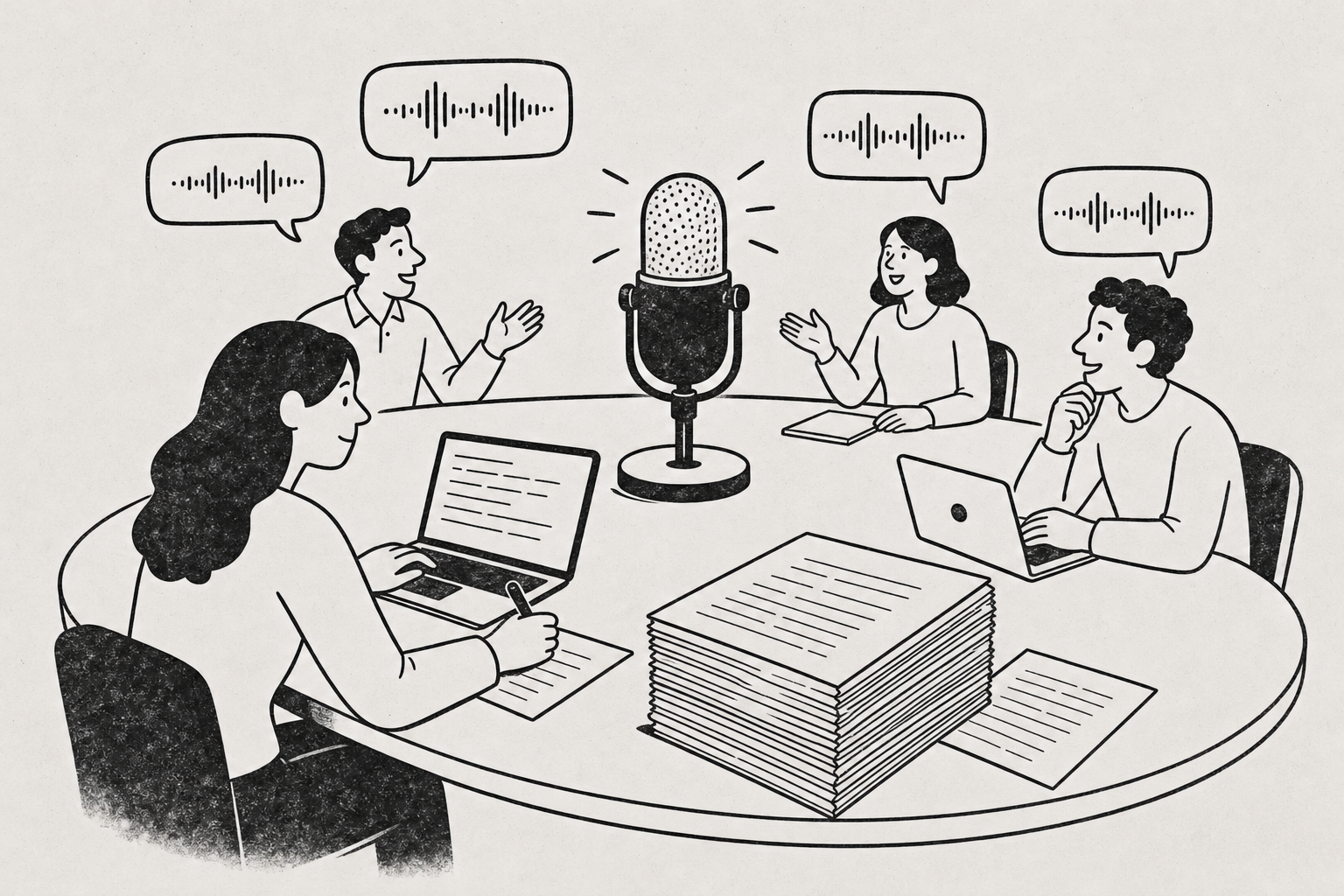
How to Transcribe a Nonprofit Board Meeting: 7 Steps
Record, transcribe, label speakers, and export board meetings and town halls into accessible written records your members and auditors can actually use.
8 min read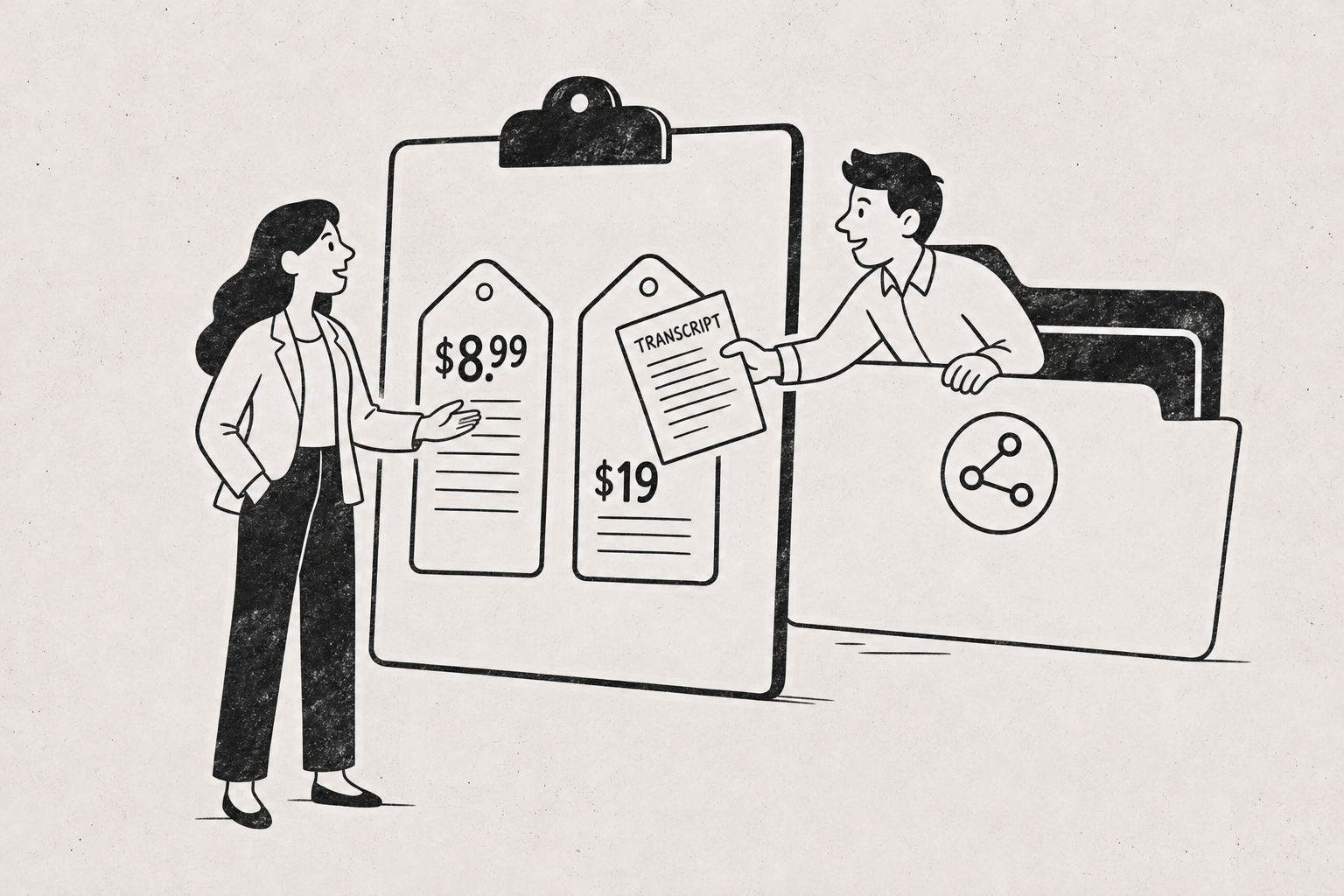
Pro vs Team Plan: Which Transcription Tier Fits
Pro costs $8.99/mo per person and keeps transcripts private; Team is $19/seat and adds shared folders, roles, @mentions, and one bill.
8 min read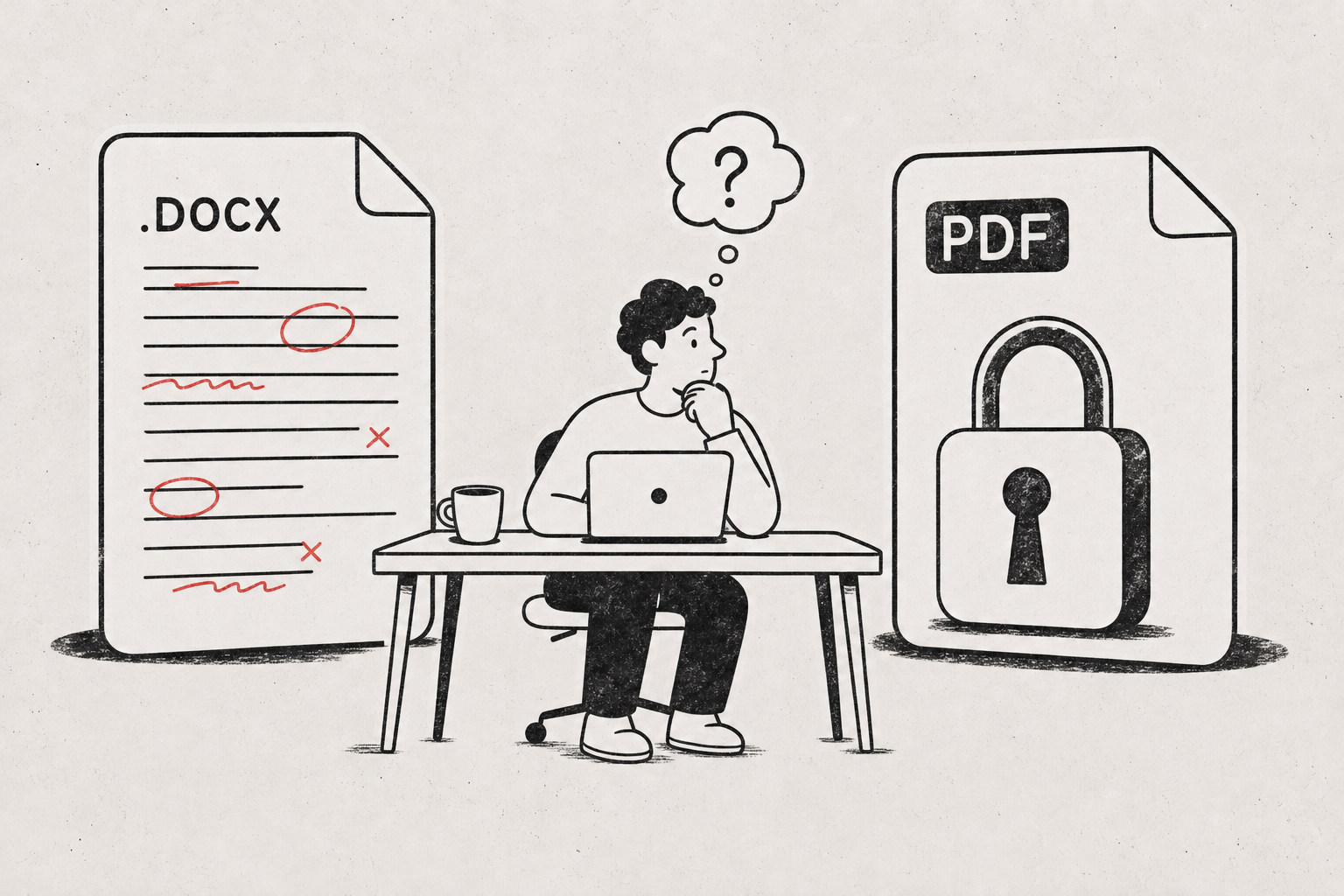
Transcript Word vs PDF Export: Which to Pick
Export to Word when the transcript still needs editing; export to PDF when it needs to be signed off, shared, or filed unchanged.
7 min read
5 Types of Interview Questions and When to Ask
The five main interview question types — open-ended, closed, probing, hypothetical, and behavioral — with examples and the order to ask them in.
8 min read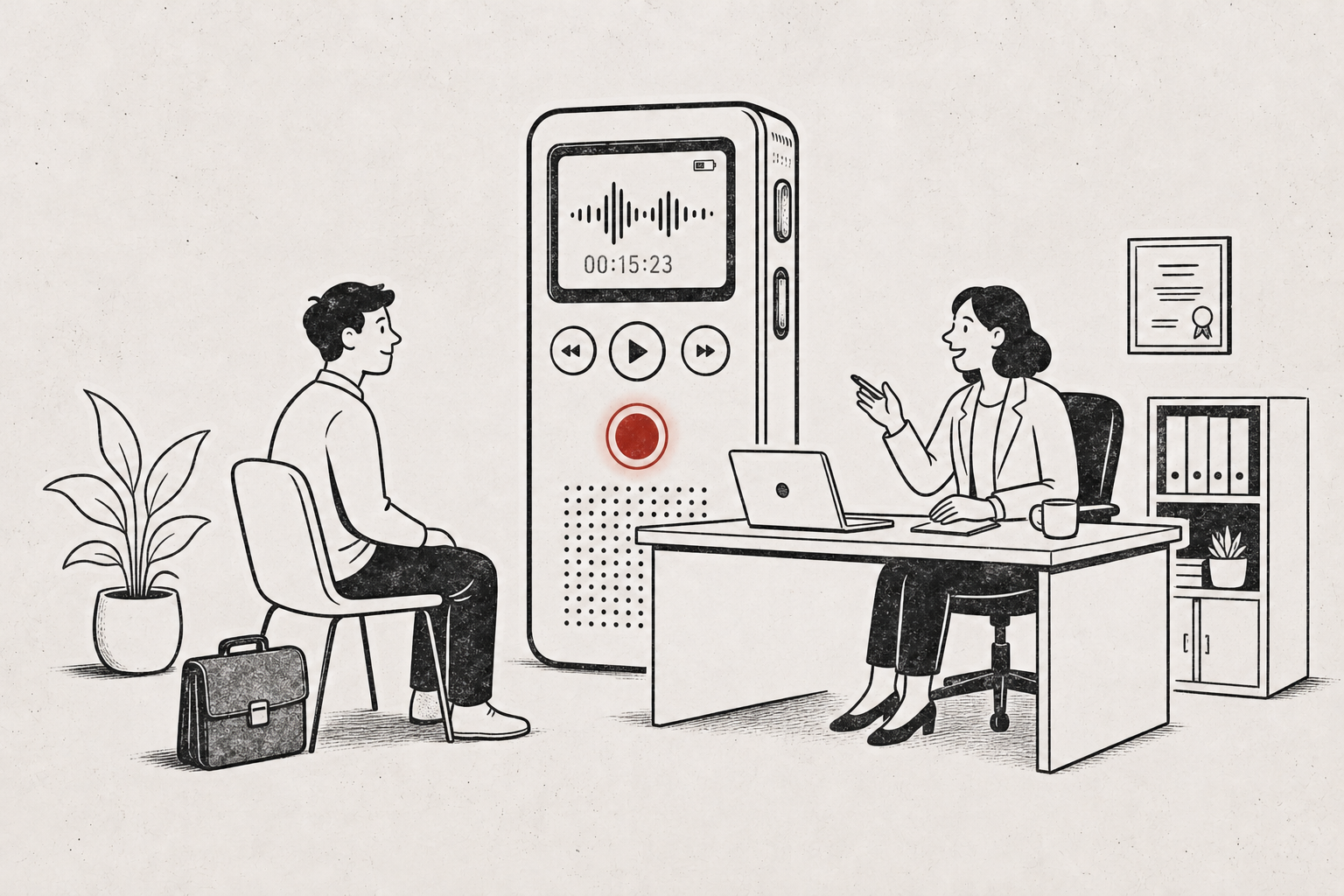
How to Transcribe Exit Interviews (HR Guide)
Record, transcribe, and rename speakers in exit interviews, then export Word or PDF records your HR files can actually reference later.
8 min read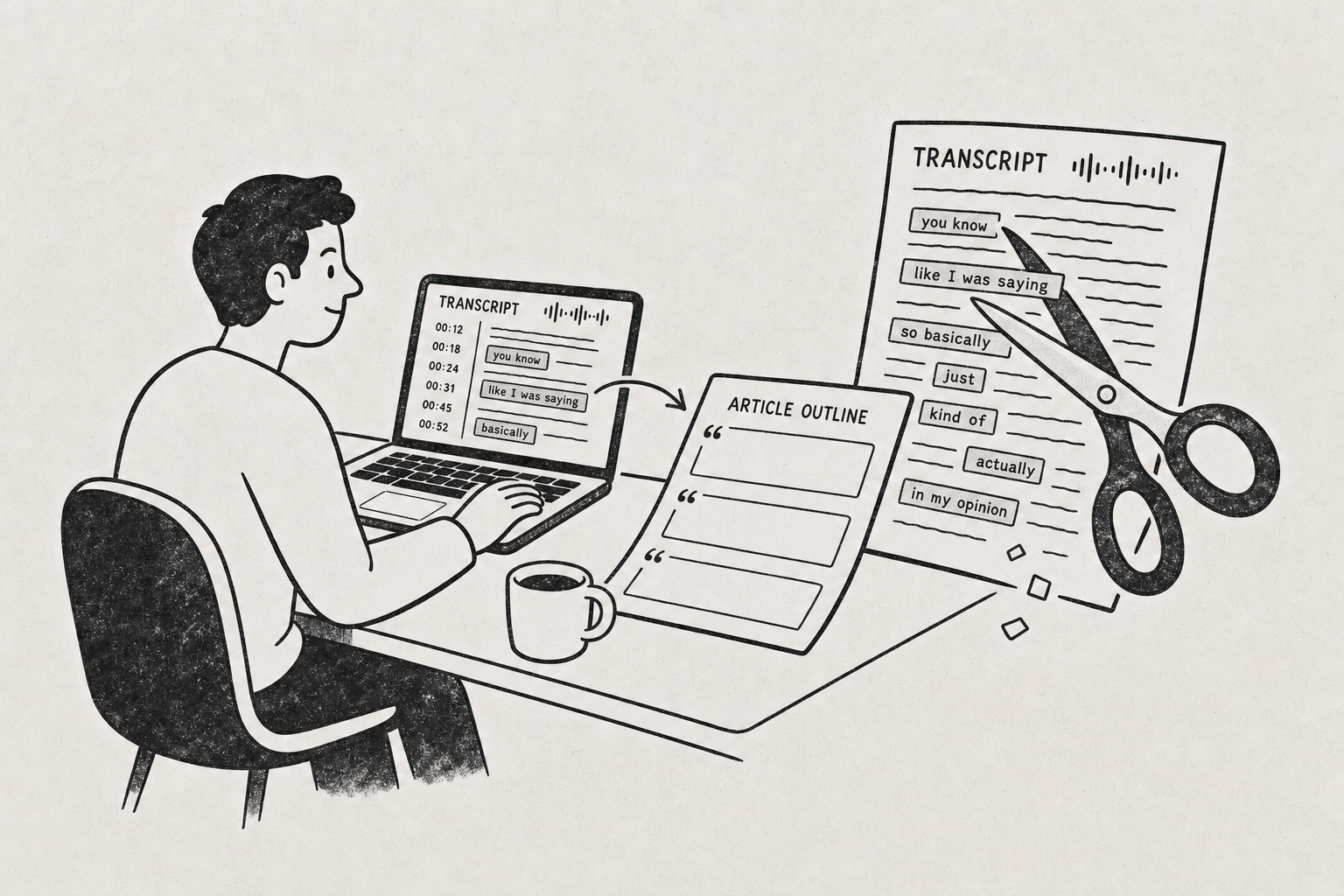
Turn a Webinar Recording Into a Blog Post: 6 Steps
Transcribe the webinar, use the AI summary to build an outline, pull speaker-labeled quotes, cut filler, and edit spoken language into readable prose.
8 min read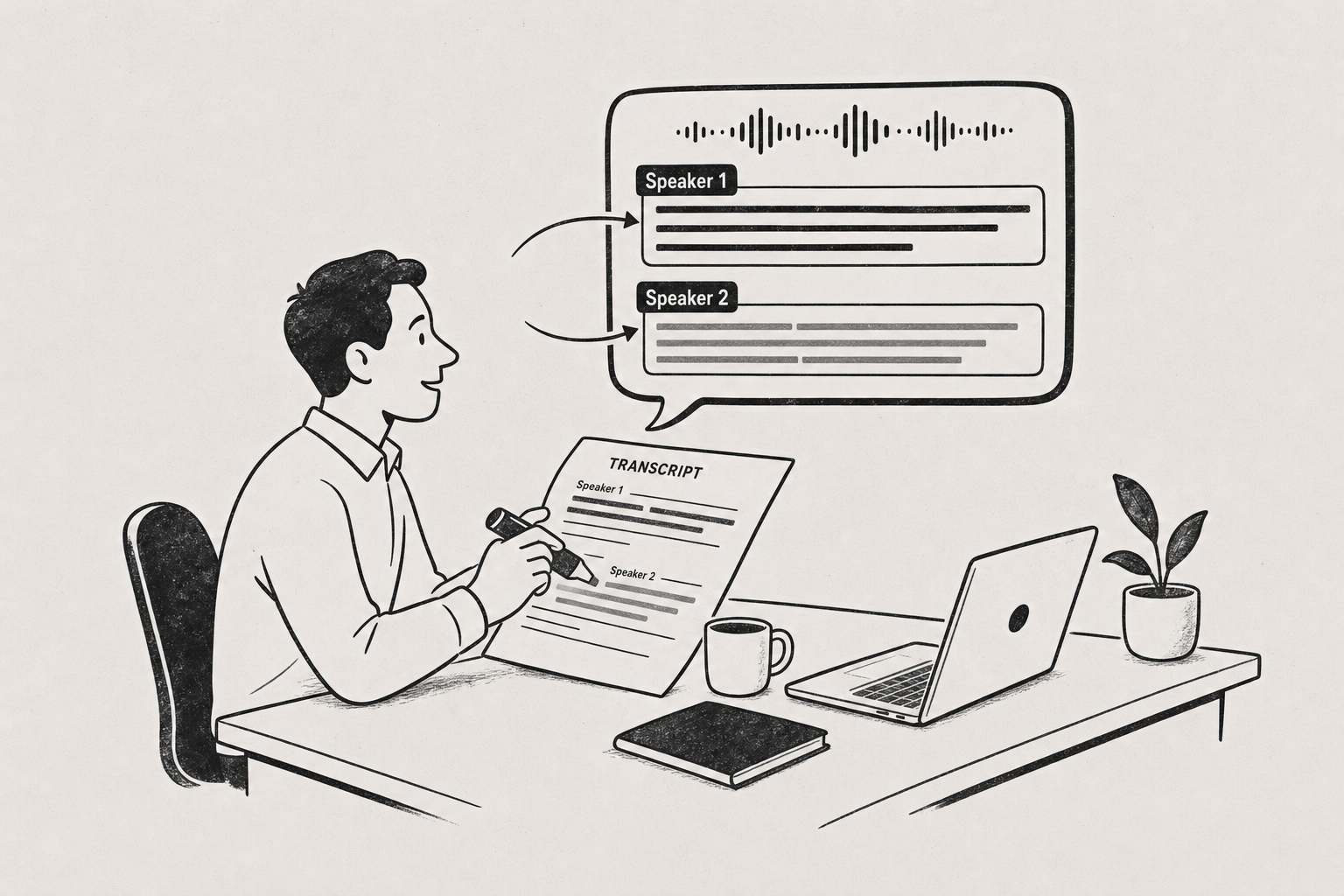
Transcribe Sales Calls for Coaching: 5 Steps
Turn recorded discovery and demo calls into speaker-labeled transcripts, per-rep talking points, and CRM-ready notes in five repeatable steps.
8 min read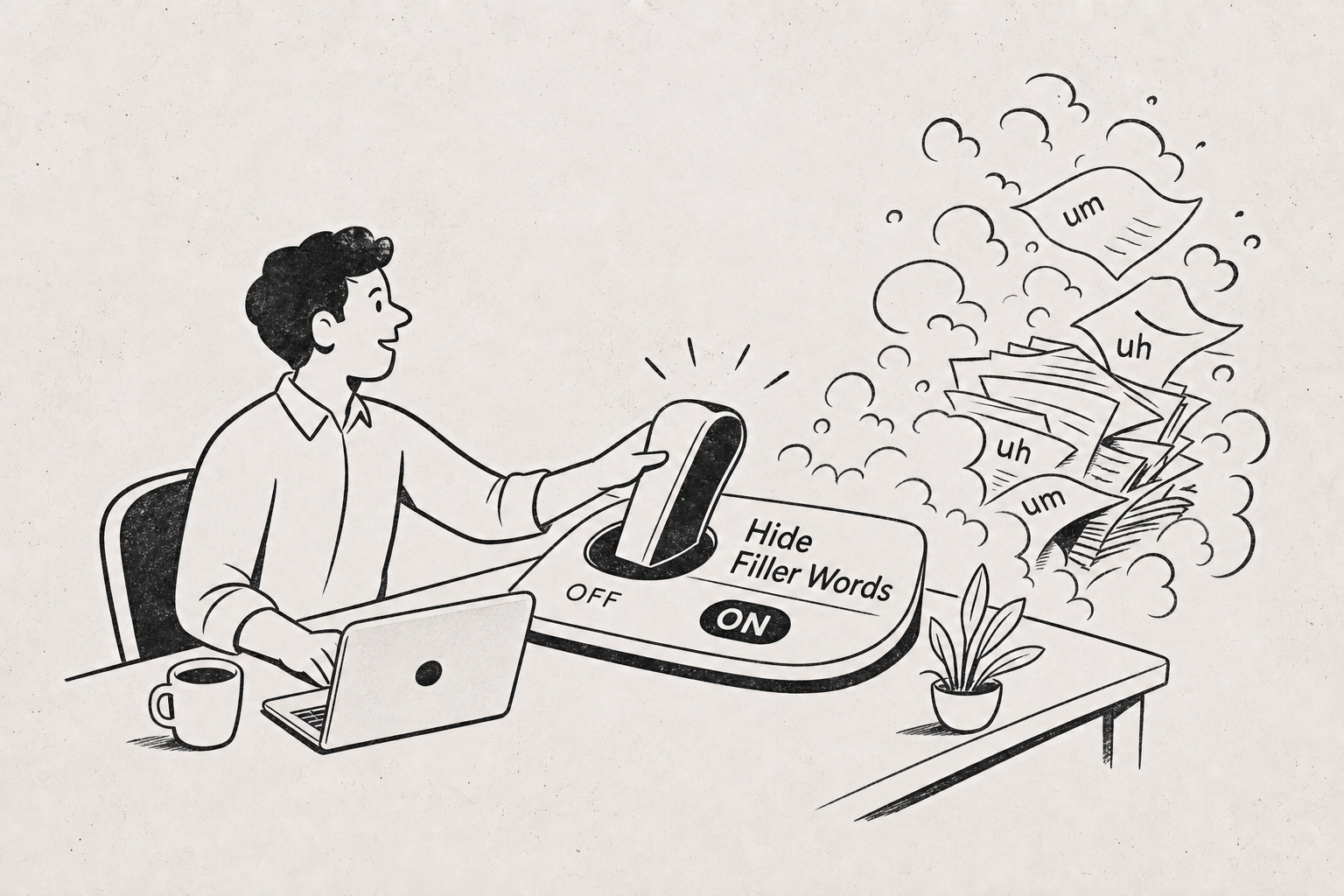
How to Remove Filler Words From a Transcript Fast
Listently's Pro filler-word toggle hides um, uh, and similar from the on-screen transcript and every export in one click, without editing the original
7 min read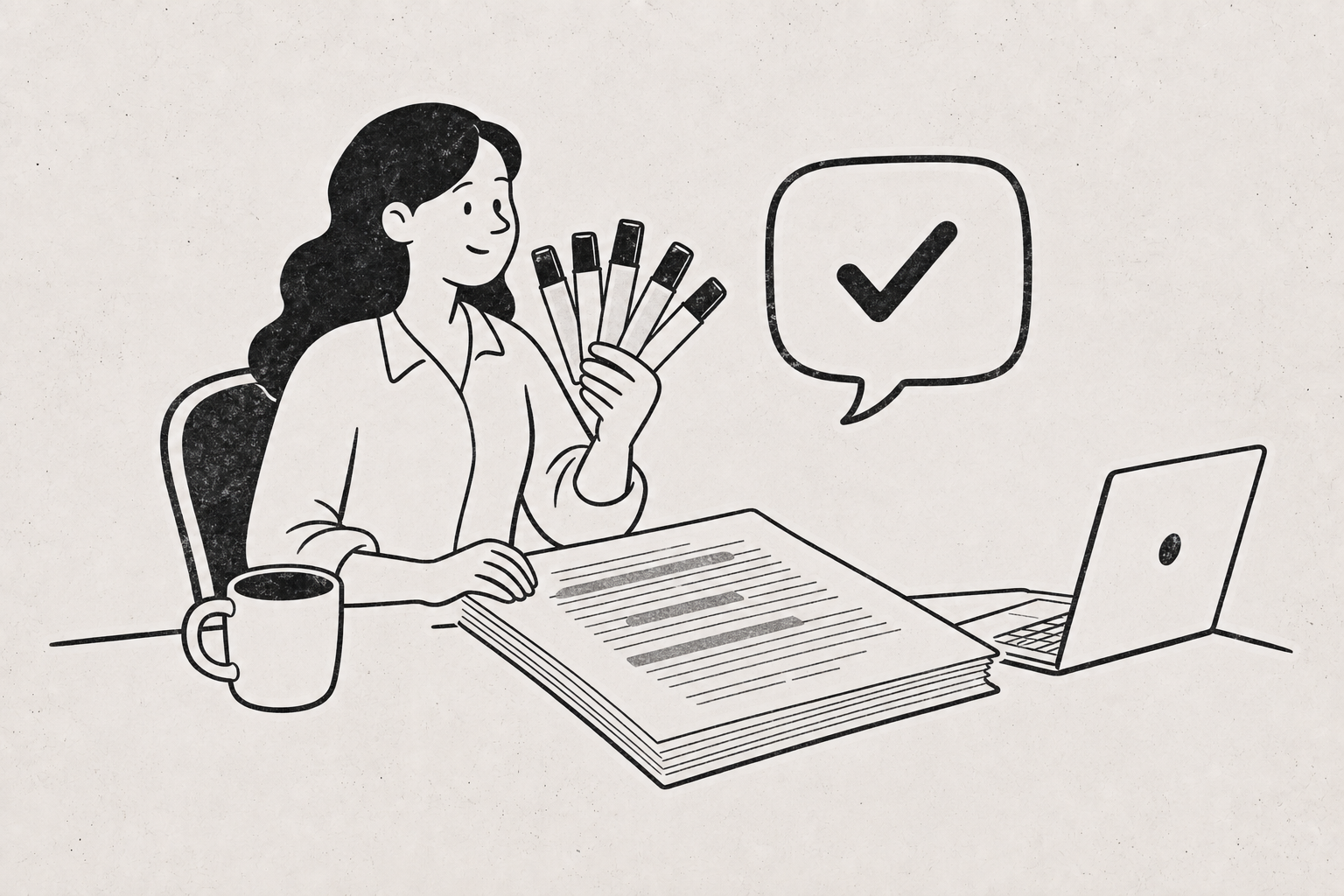
How to Annotate Meeting Transcripts: 5-Color Review
Use Listently's Pro highlight-and-comment tools to mark transcript passages in five colors and attach private notes before a summary goes out.
7 min read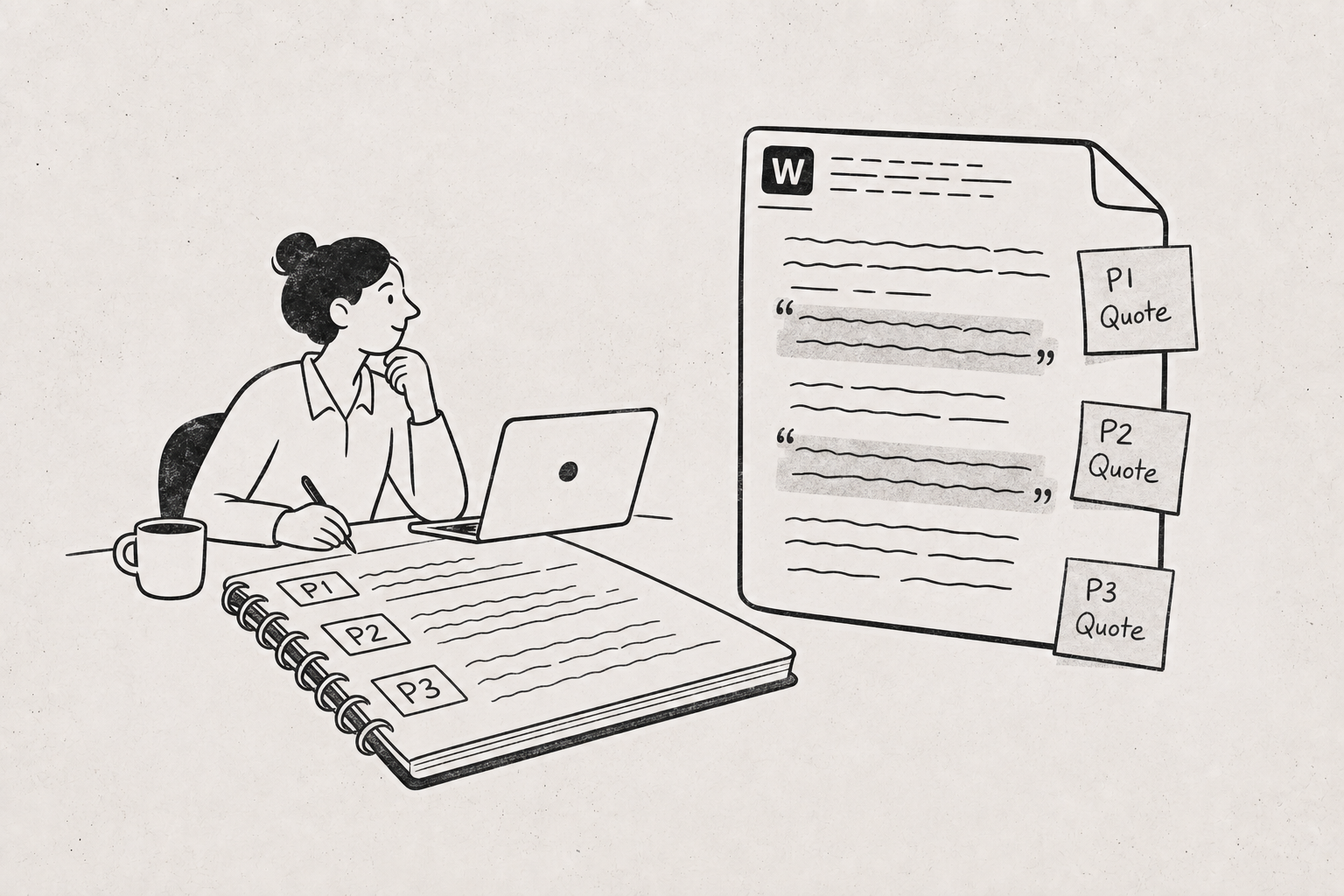
How to Transcribe UX Research Interviews for Synthesis
Transcribe usability sessions and customer interviews, rename participant speakers for clean quotes, and export to Word for affinity mapping.
8 min read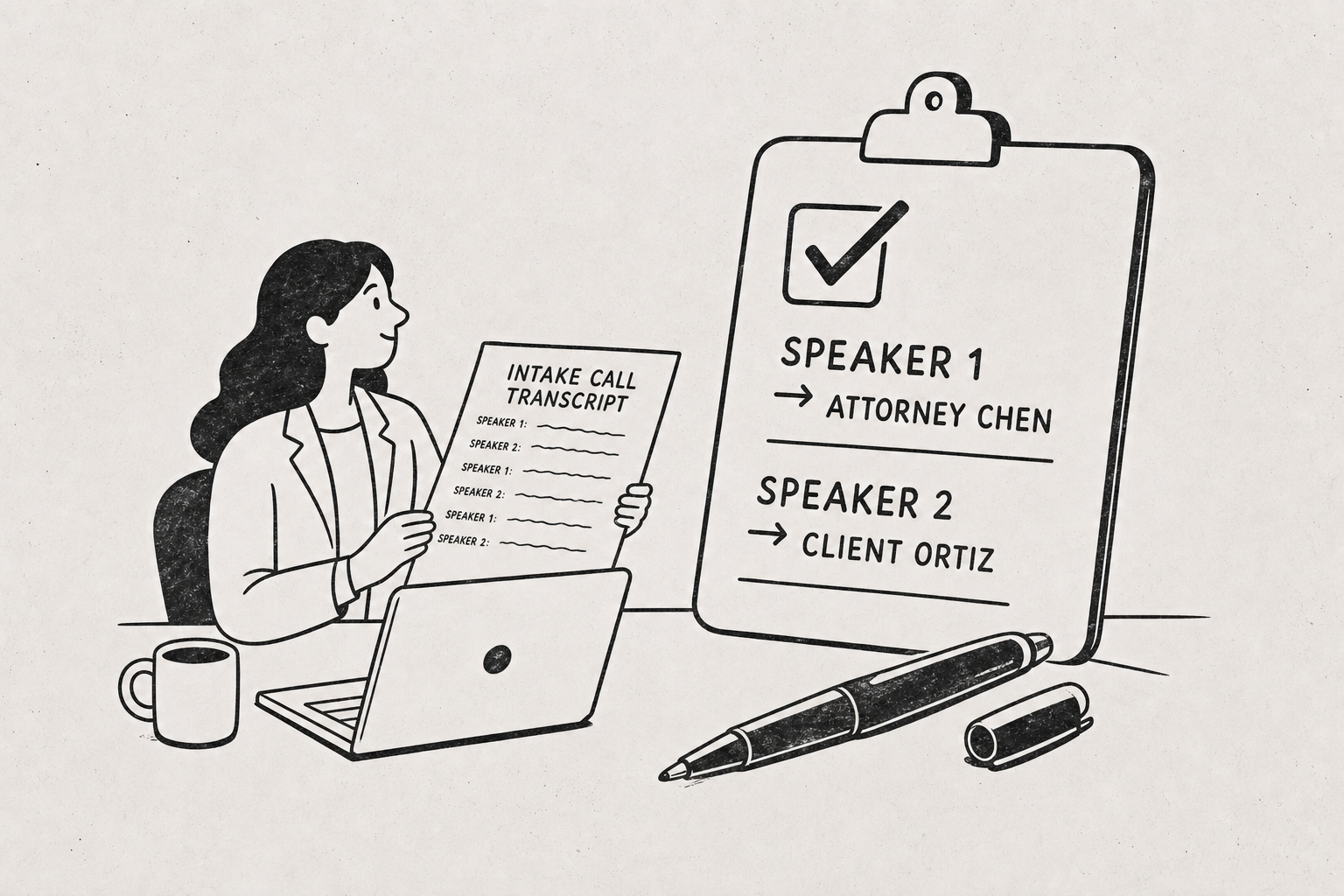
How to Transcribe Legal Client Calls for Case Files
Upload the recording, get a speaker-labeled transcript, fix names and terms, then export to Word or PDF for the file — as documentation, not a certified
7 min read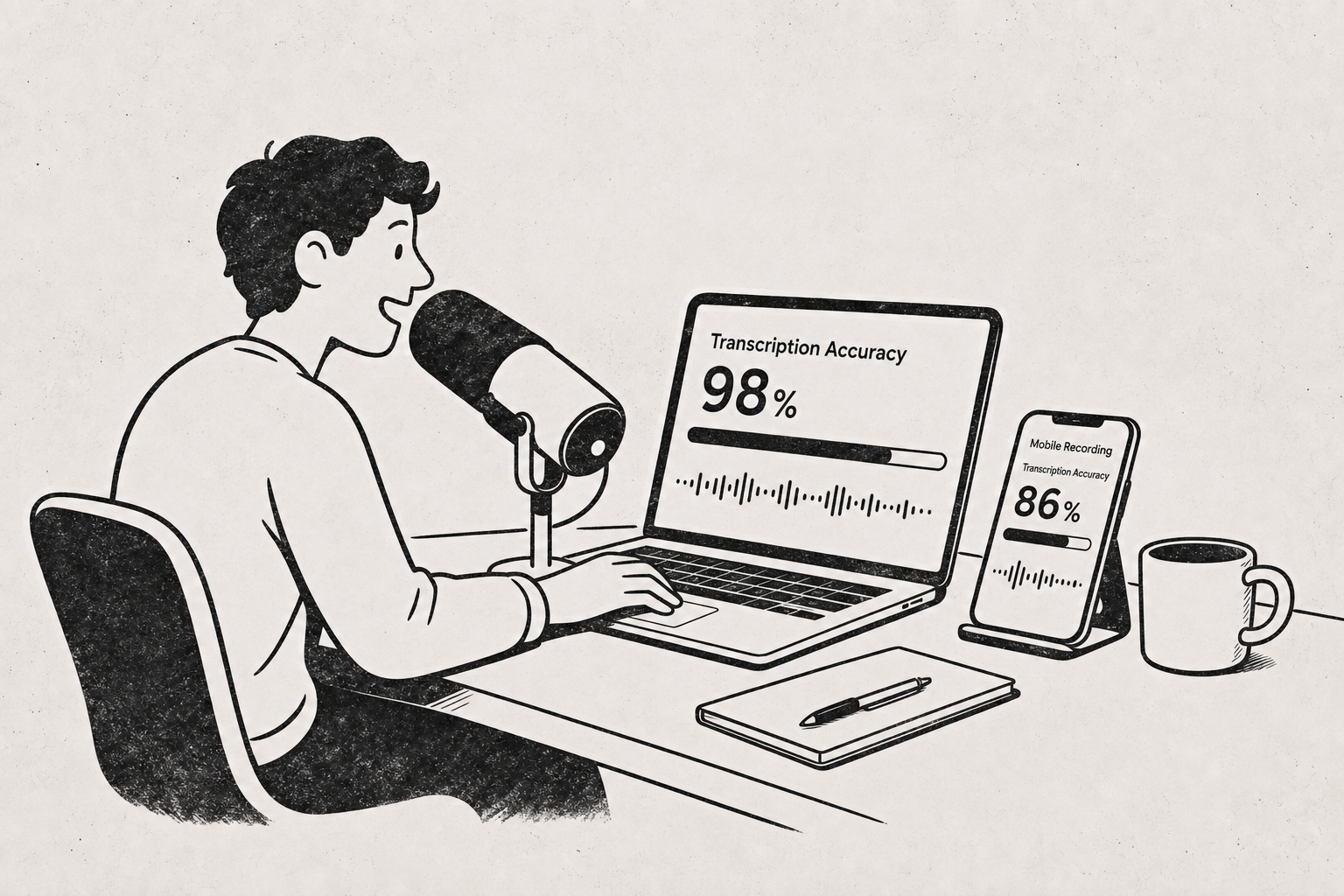
AI Transcription Accuracy: 5 Factors That Decide It
AI transcription in 2026 hits the mid-to-high 90s on clean audio and drops into the 80s on noisy multi-speaker recordings — here's what actually moves the
8 min read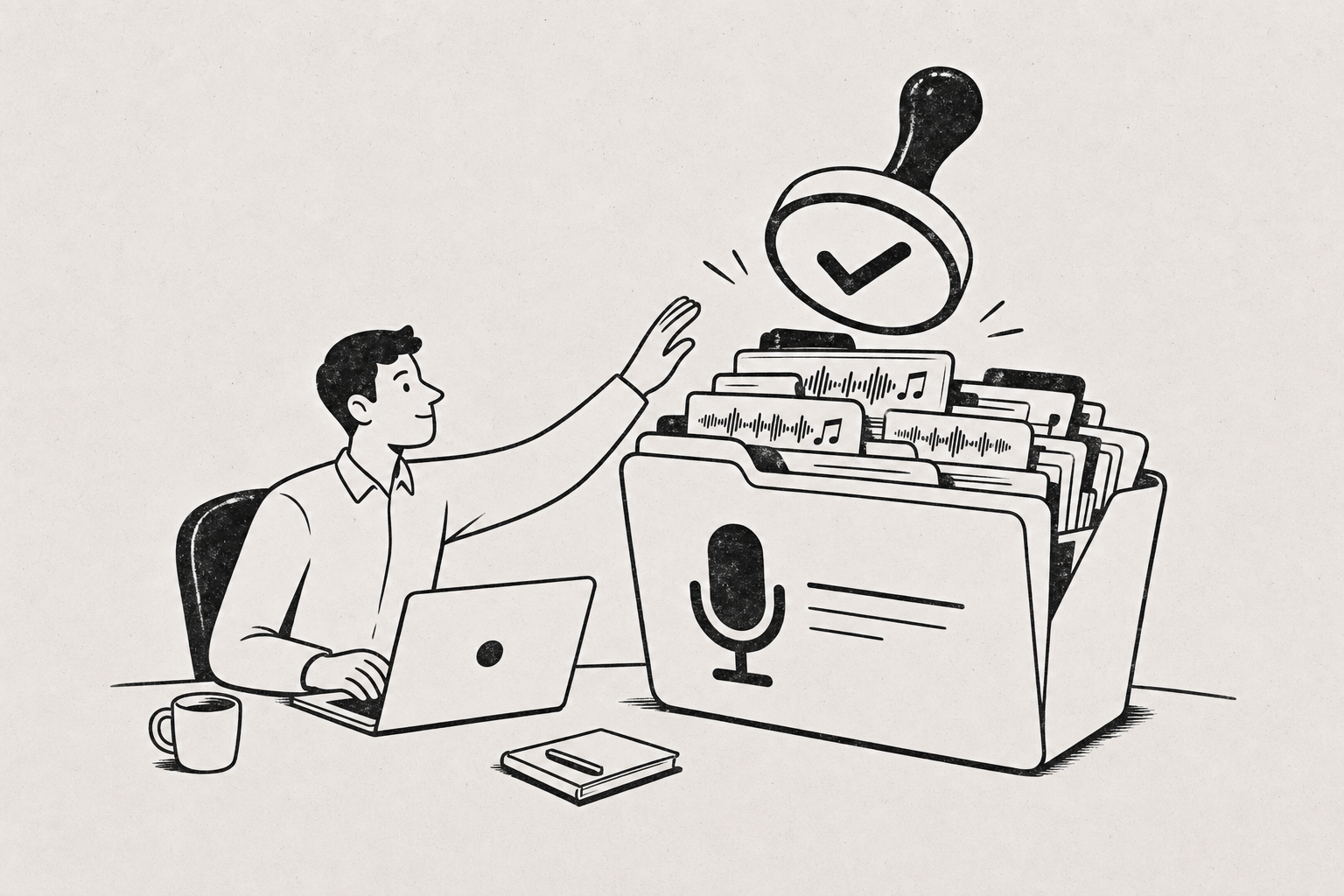
How to Batch Transcribe Multiple Files: 10 at Once
Batch transcribe multiple audio files by dropping up to 10 at a time on Listently Pro, versus one file at a time on Free — here's the full workflow.
7 min read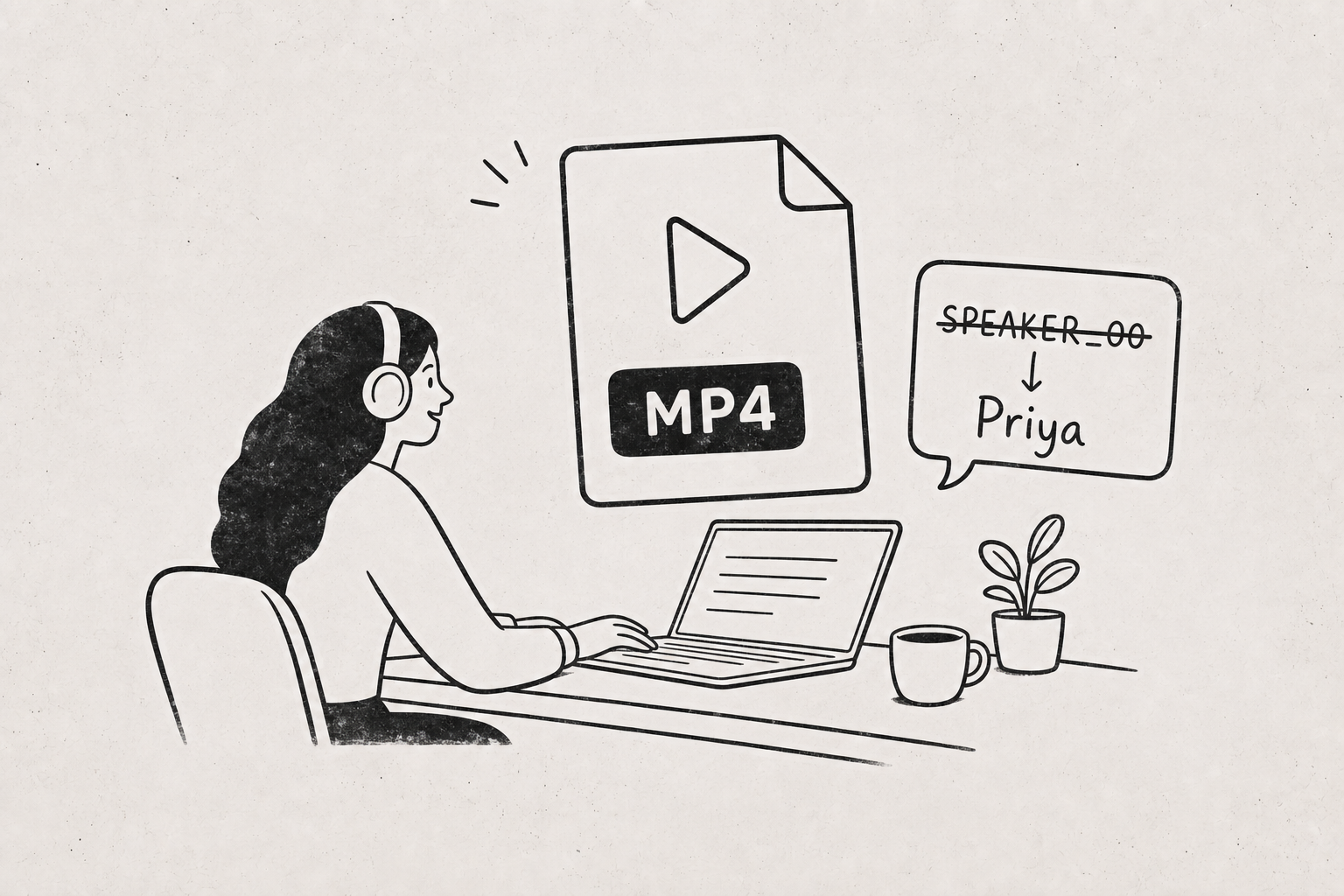
How to Transcribe a Zoom Recording (Step-by-Step)
Find your saved Zoom, Teams, or Meet recording file, upload the MP4 or M4A, and rename SPEAKER_00 to real names before exporting.
7 min read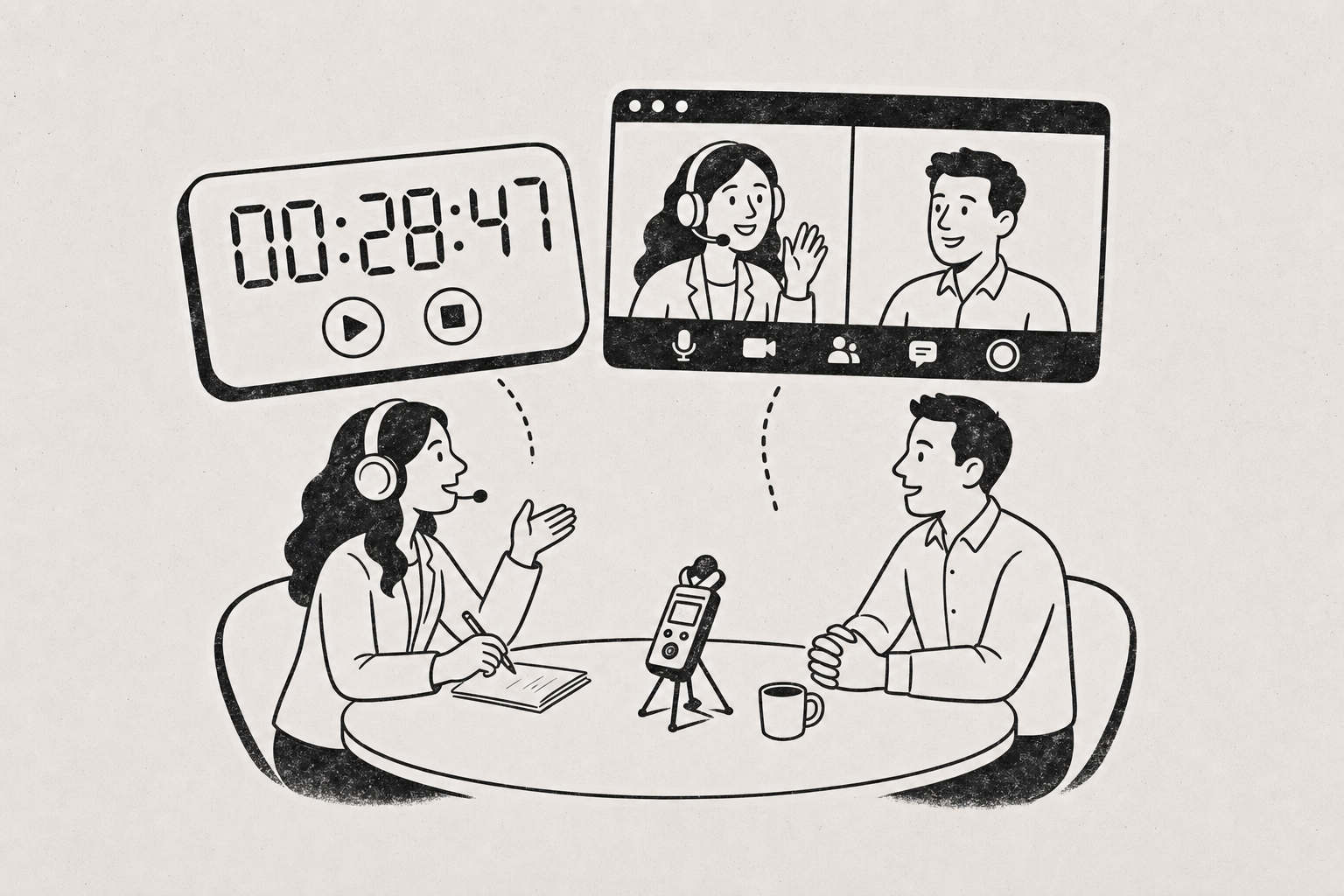
Zoom vs In-Person Interview Recording: Which Wins
Zoom's separate audio tracks beat a single in-person mic for transcription accuracy — here's what to configure in Zoom, on phone, and in person.
8 min read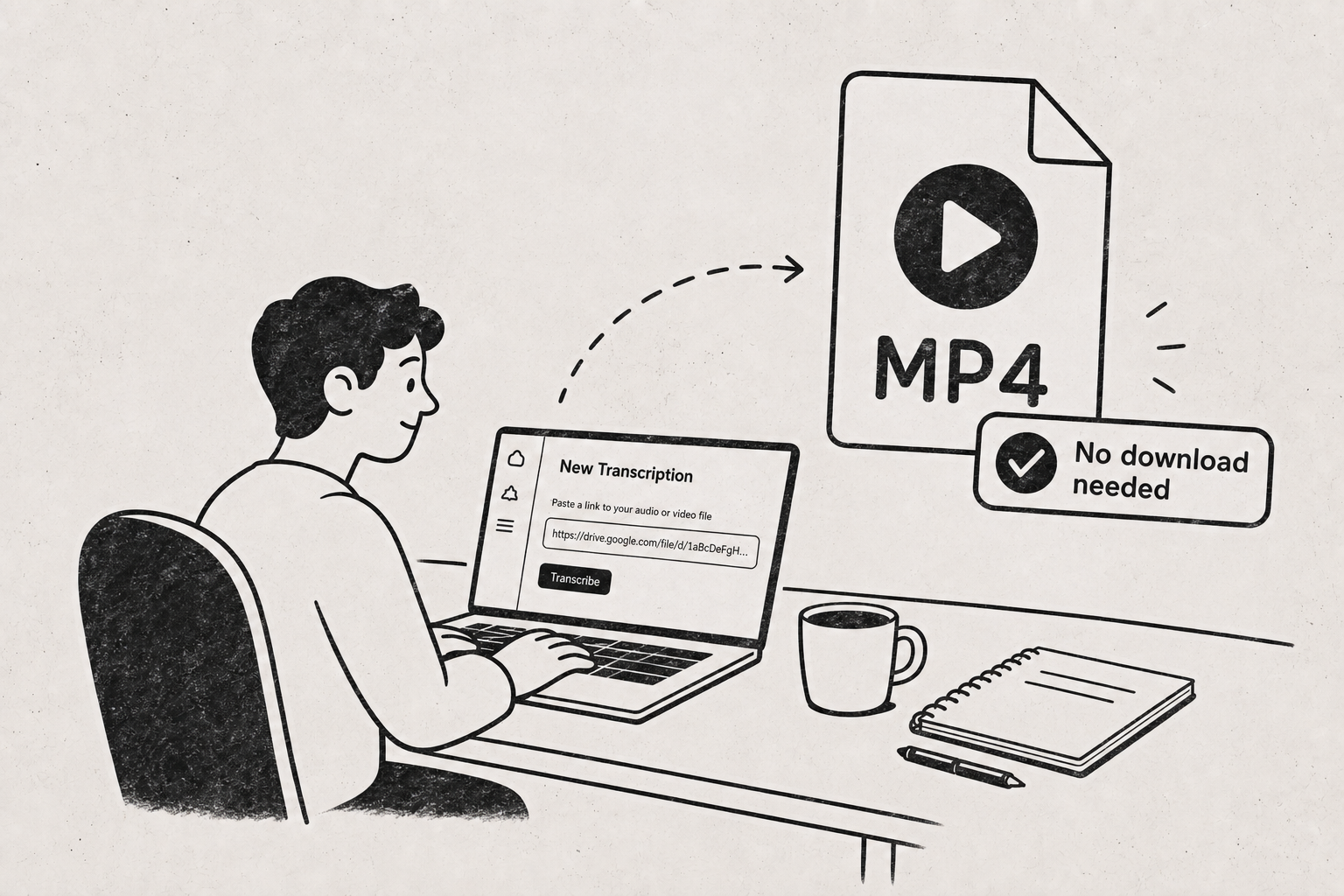
Transcribe Audio From a Google Drive Link: No Download
Paste a Google Drive share link into Listently and it fetches the file directly — no downloading to your laptop, then re-uploading. Here's the exact setup.
7 min read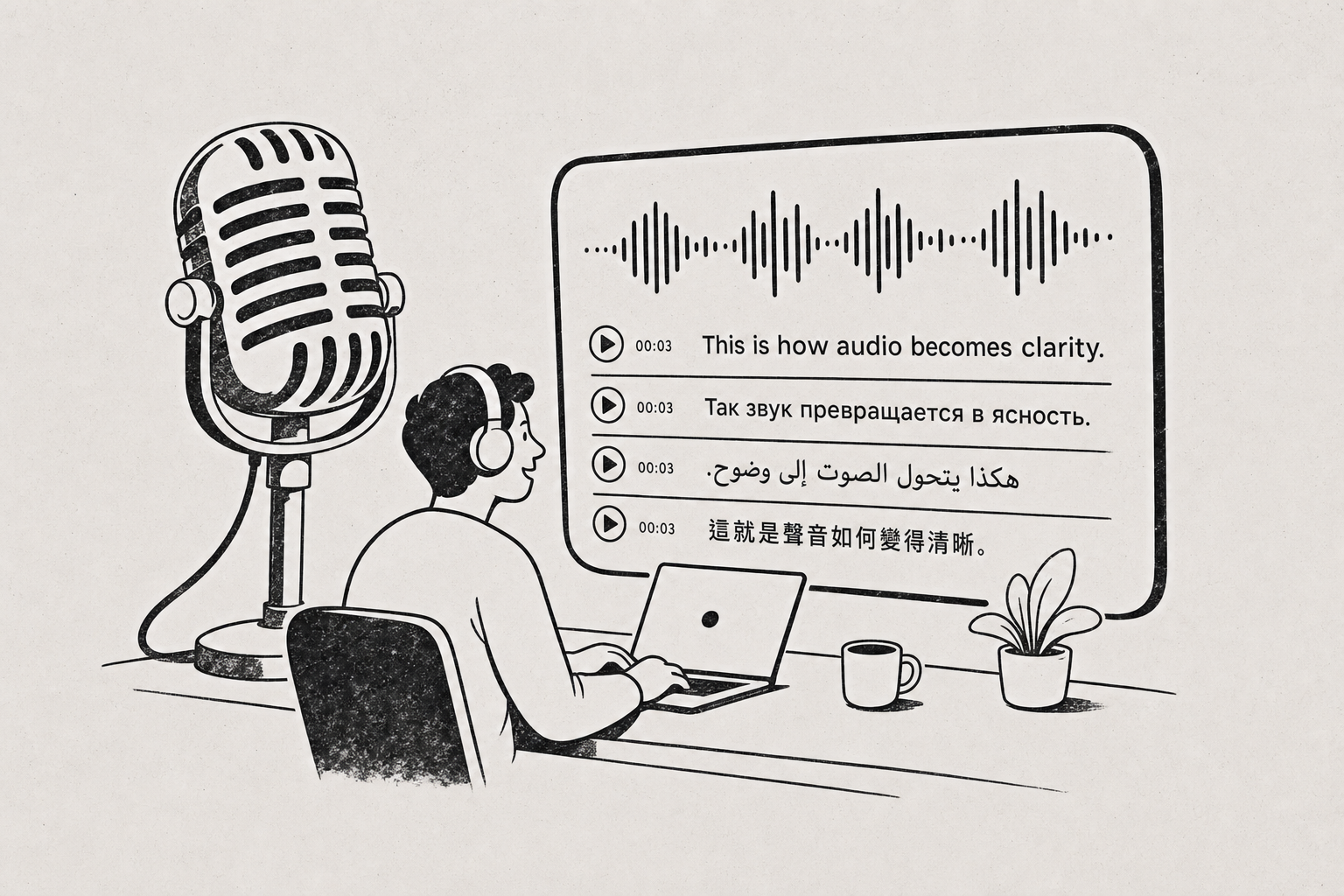
How to Transcribe Audio in Another Language (2026)
Transcribe audio in another language by uploading the file as-is: the transcript comes back in the spoken language, with automatic speaker labels.
8 min read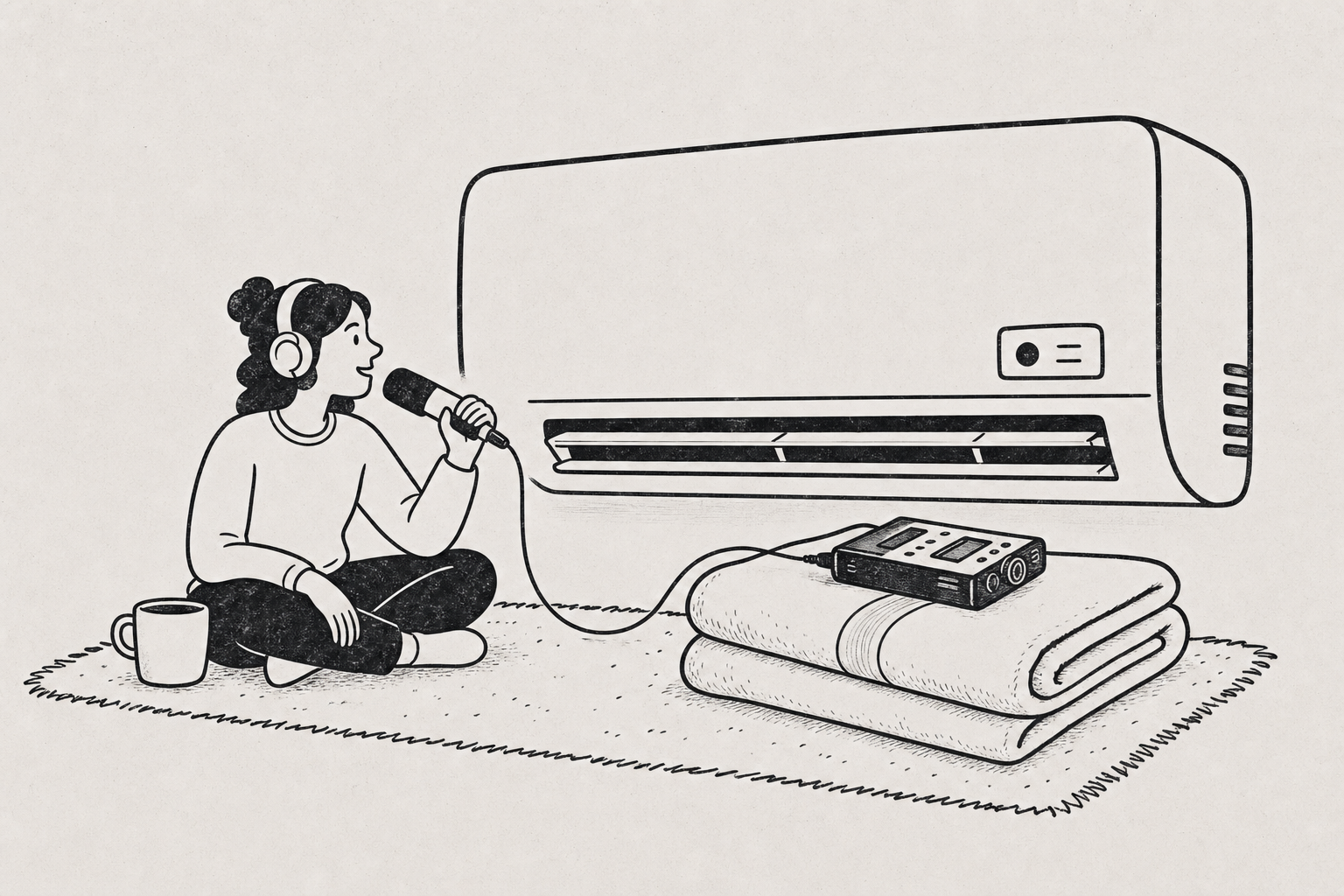
How to Reduce Background Noise Recording: 7 Fixes
Reduce background noise when recording by picking a small soft-furnished room, moving the mic within 6-12 inches of the speaker, and killing HVAC before
8 min read
What Teams Get Wrong About AI Meeting Summaries
AI meeting summaries attribute speakers by reading the diarized transcript — rename a speaker and the summary uses the real name everywhere.
7 min read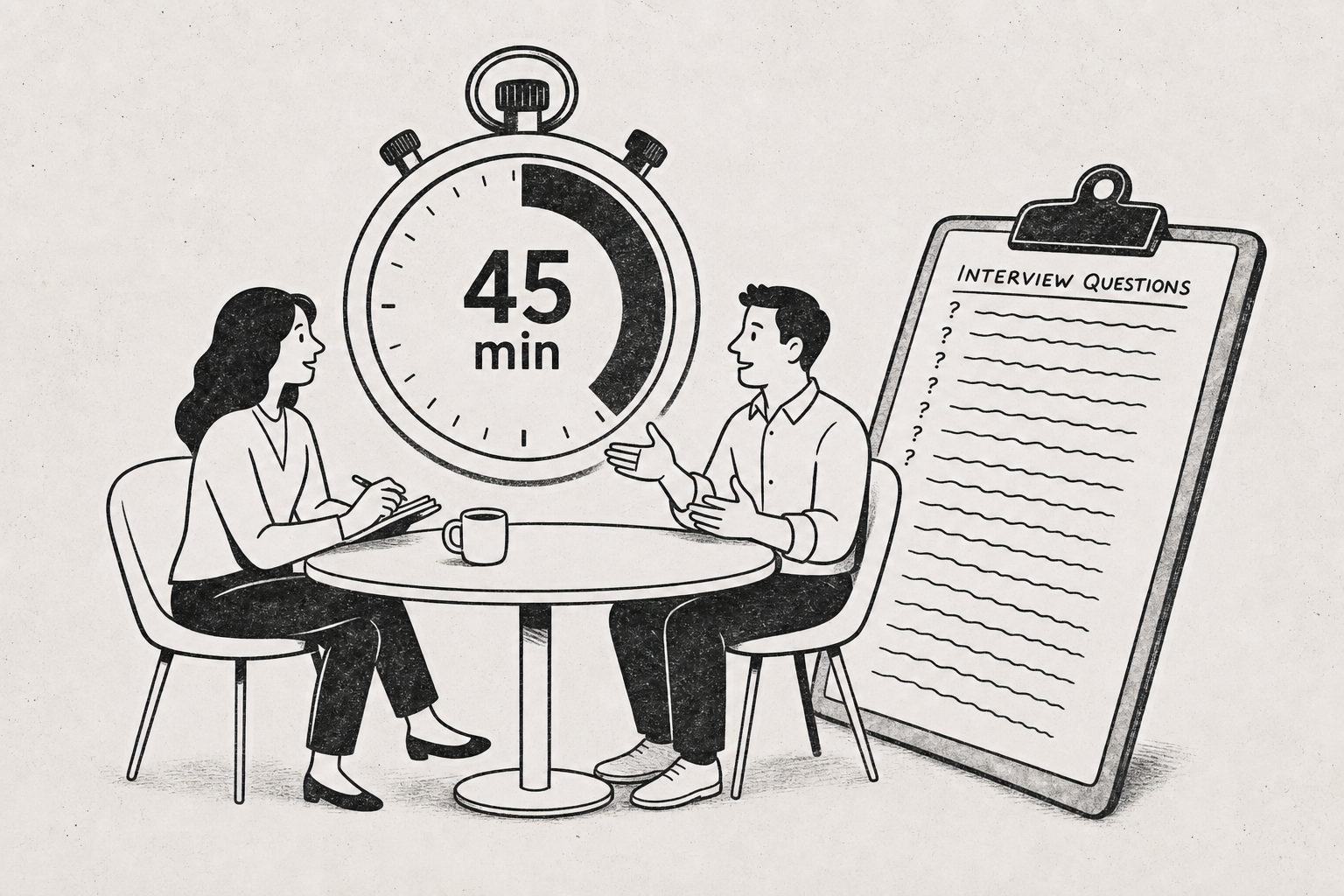
How to Interview Someone: A Step-by-Step Guide
A practical walkthrough of interviewing: set one objective, research first, sequence your questions, listen actively, and handle evasive answers.
8 min read
How to Transcribe Qualitative Interviews for Coding
Turn recorded research interviews into speaker-labeled Word transcripts ready for NVivo, ATLAS.ti, MAXQDA, or manual coding — with anonymized participant
9 min read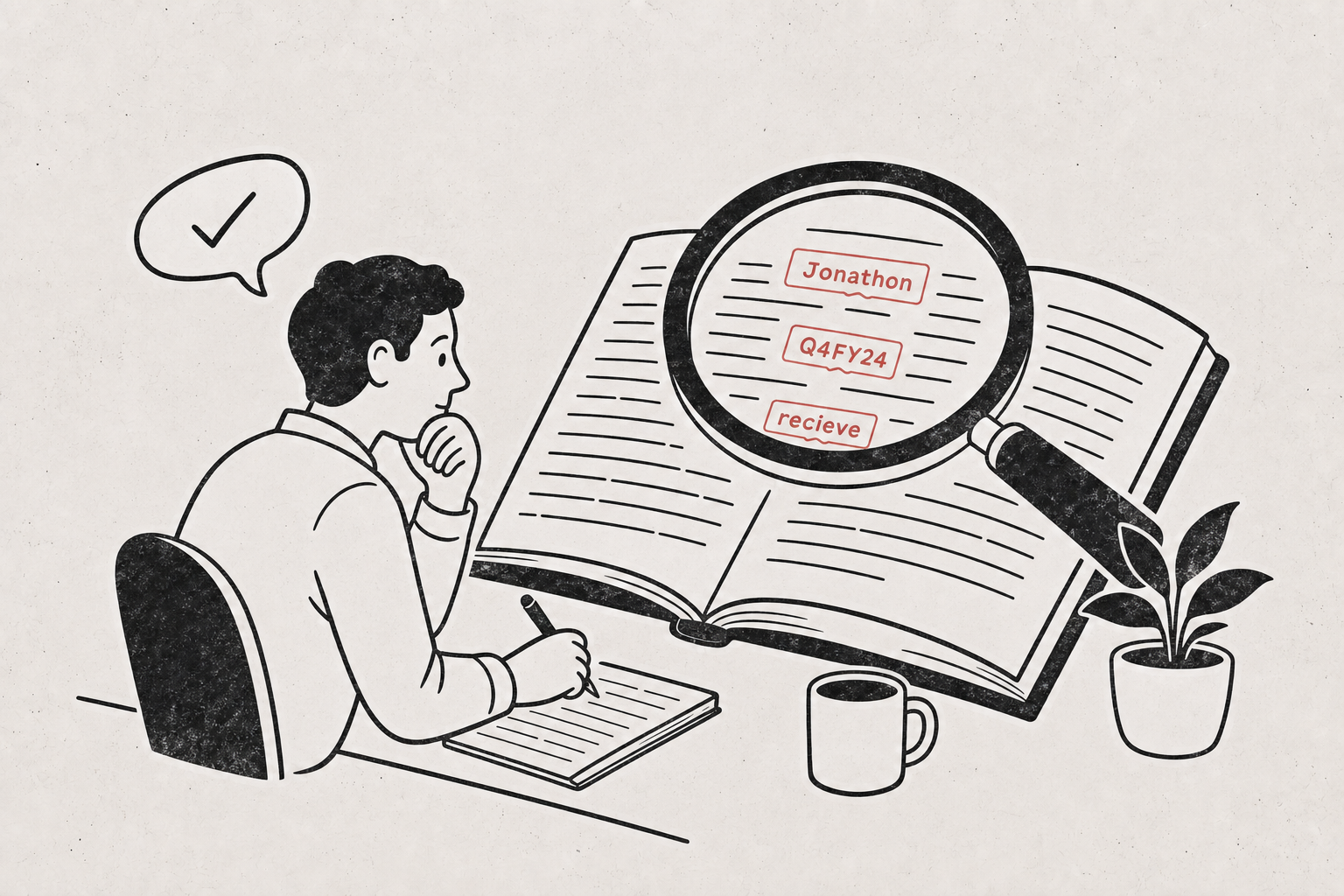
How to Set Up Custom Vocabulary: Fix Names & Jargon
Save recurring names, acronyms, and jargon to a custom vocabulary list once, and every future transcript spells them correctly automatically.
7 min read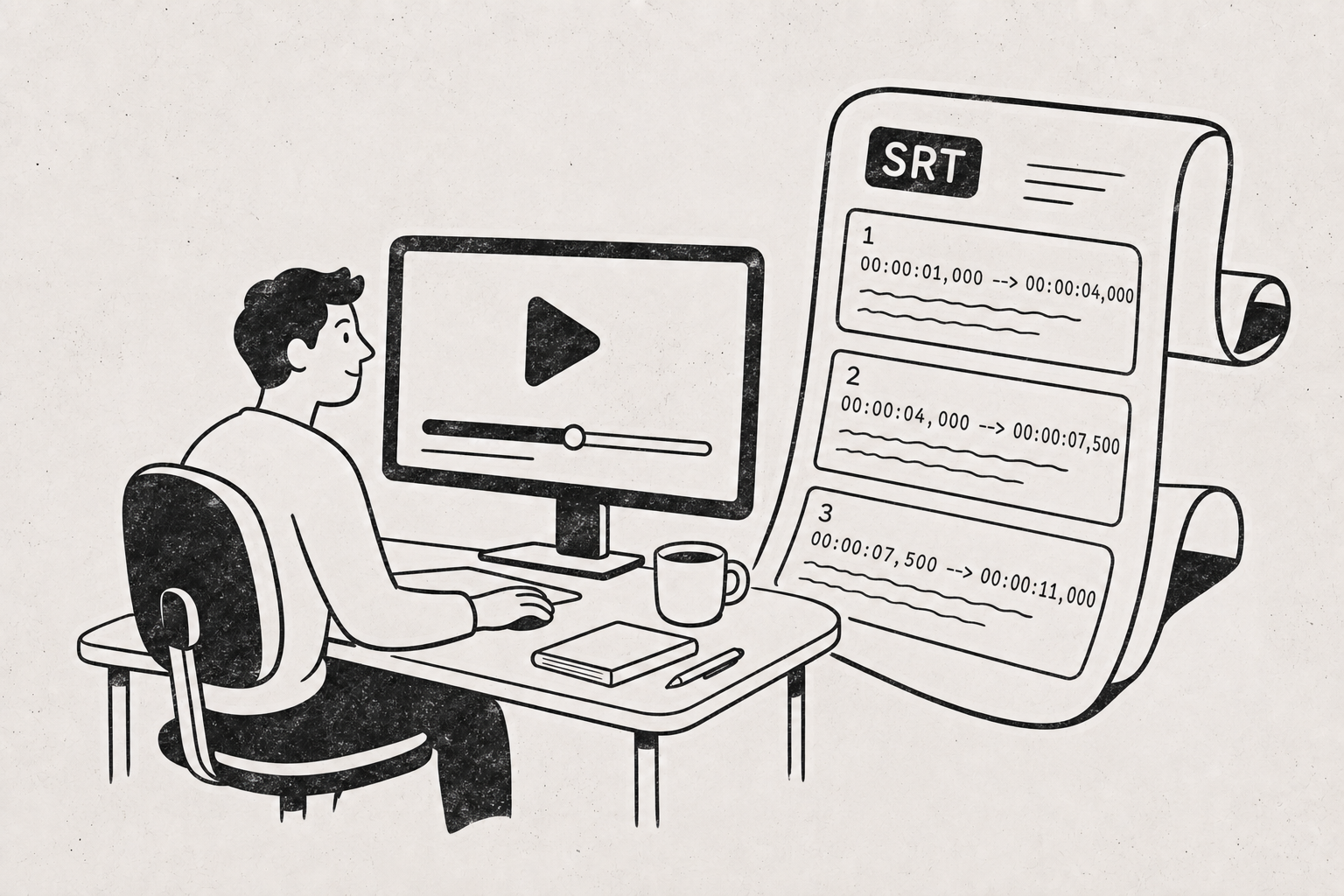
How to Create an SRT File From Video (Step-by-Step)
Transcribe the video, fix names and jargon in the transcript, then export SRT or VTT — here's the full process and when to use each format.
8 min read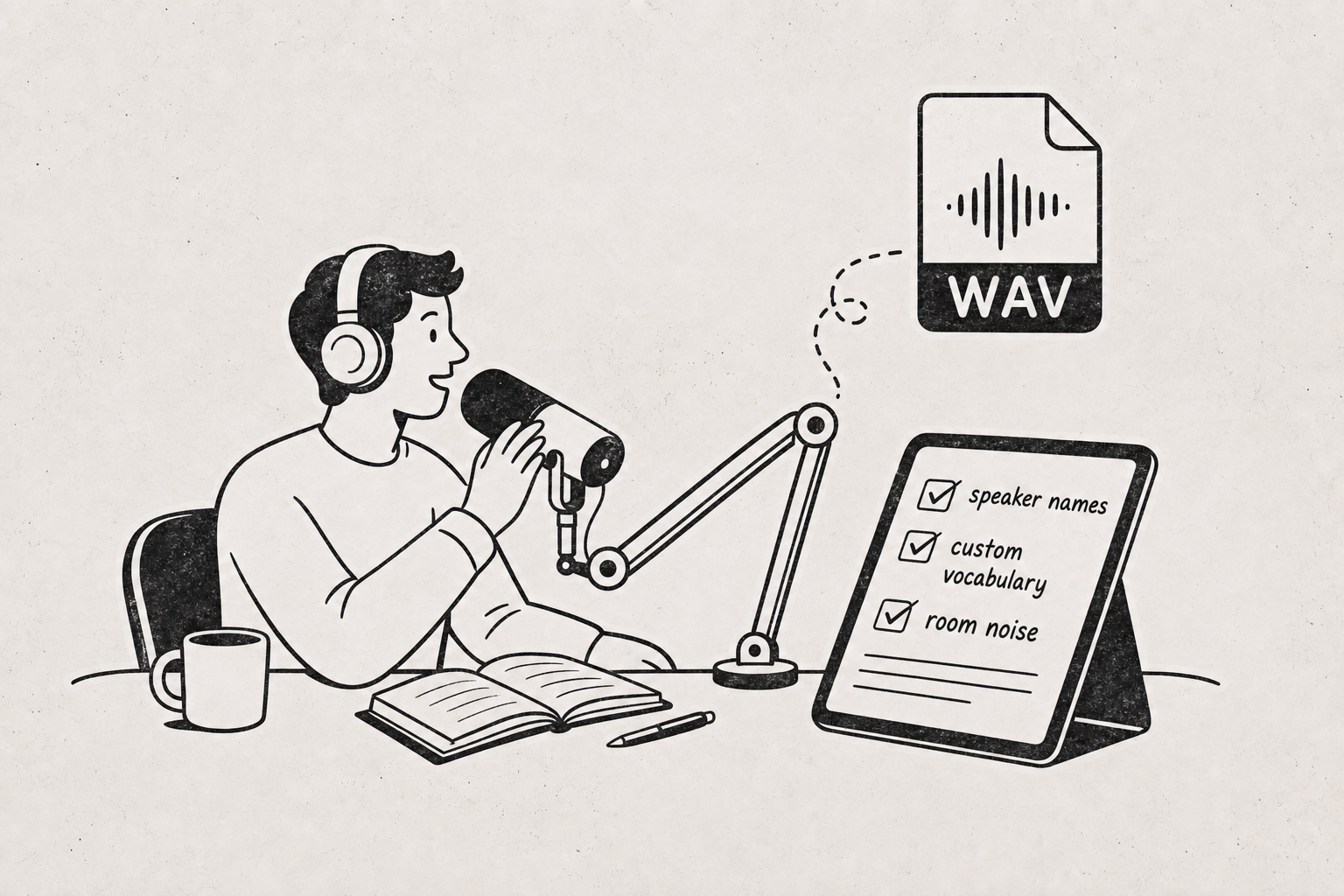
9 Ways to Improve Transcription Accuracy Before You Record
Nine recording-setup changes — mic distance, file format, per-speaker tracks, room noise, and custom vocabulary — that raise transcription accuracy before
8 min read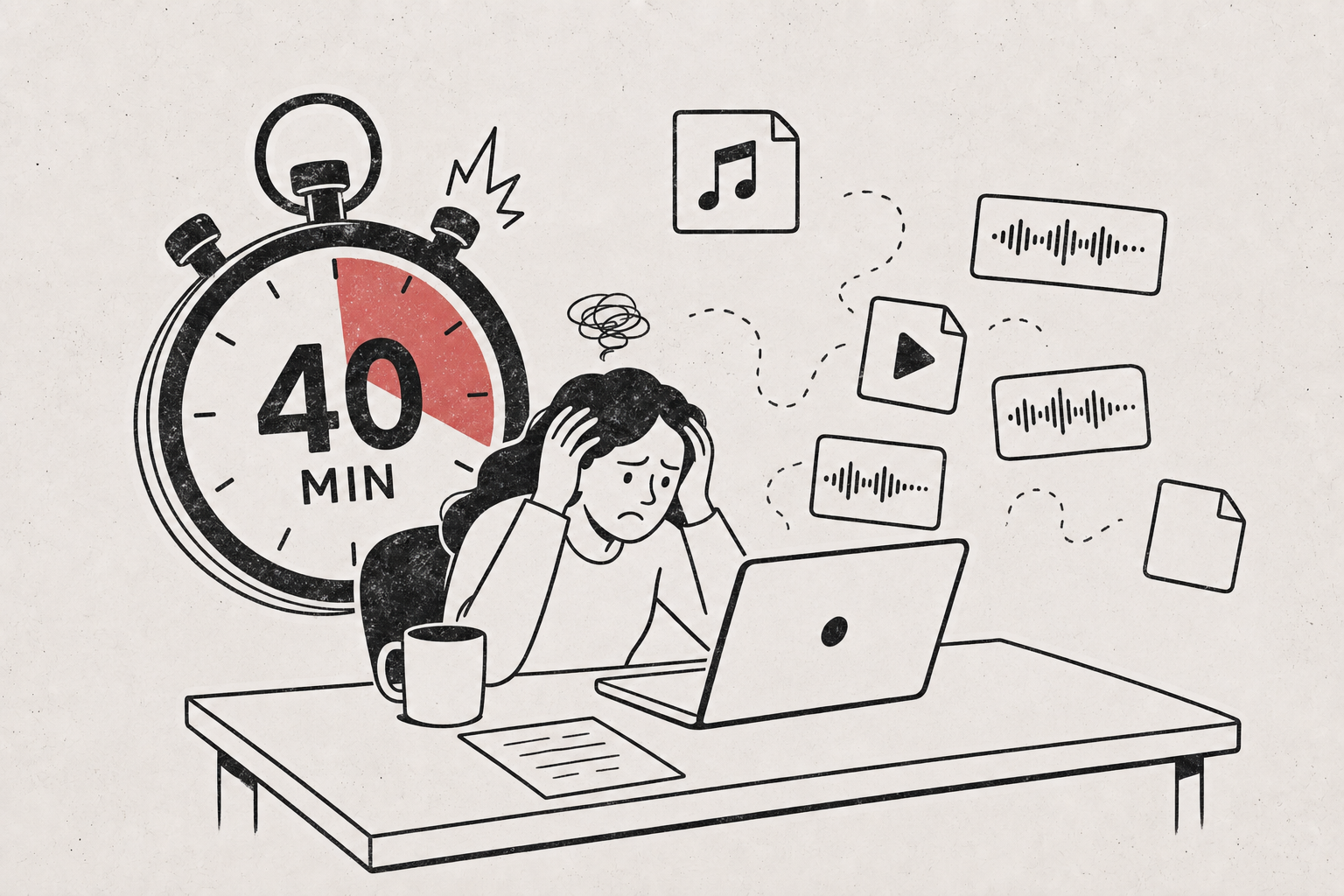
Listently Free vs Pro: When You'll Hit the Wall
Listently Free gives you 3 transcriptions a day at 30 minutes each; Pro removes those caps for $8.99/mo annually. Here's exactly when Free stops working.
7 min read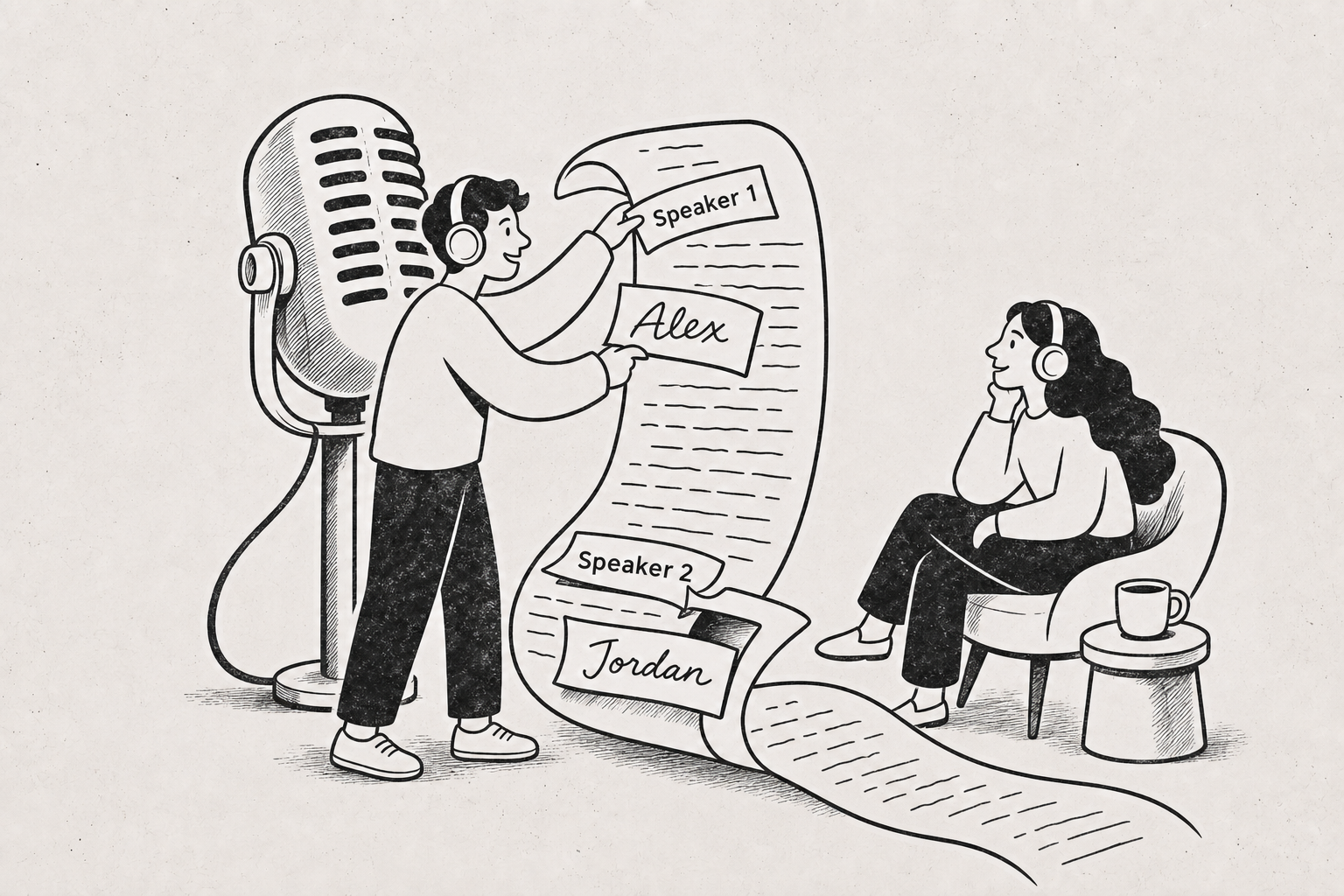
How to Turn a Podcast Episode Into Show Notes
Transcribe your episode, rename the host and guest so the AI summary attributes points correctly, then export Word, PDF, and SRT for publishing.
7 min read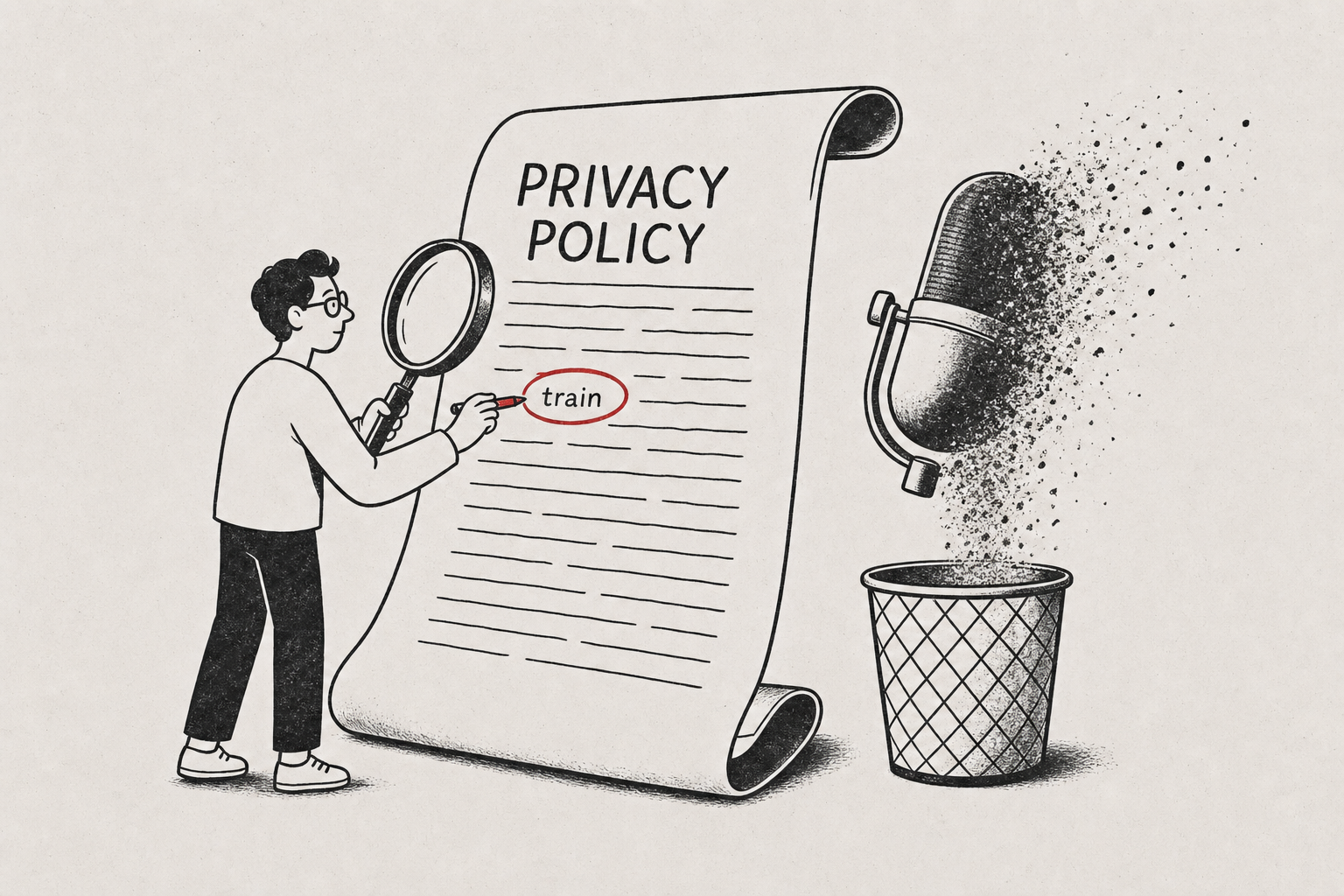
Does Transcription Software Train AI on Your Audio?
Some transcription services train models on uploaded audio, some don't. Here's how to read a vendor's data policy and what Listently does instead.
8 min read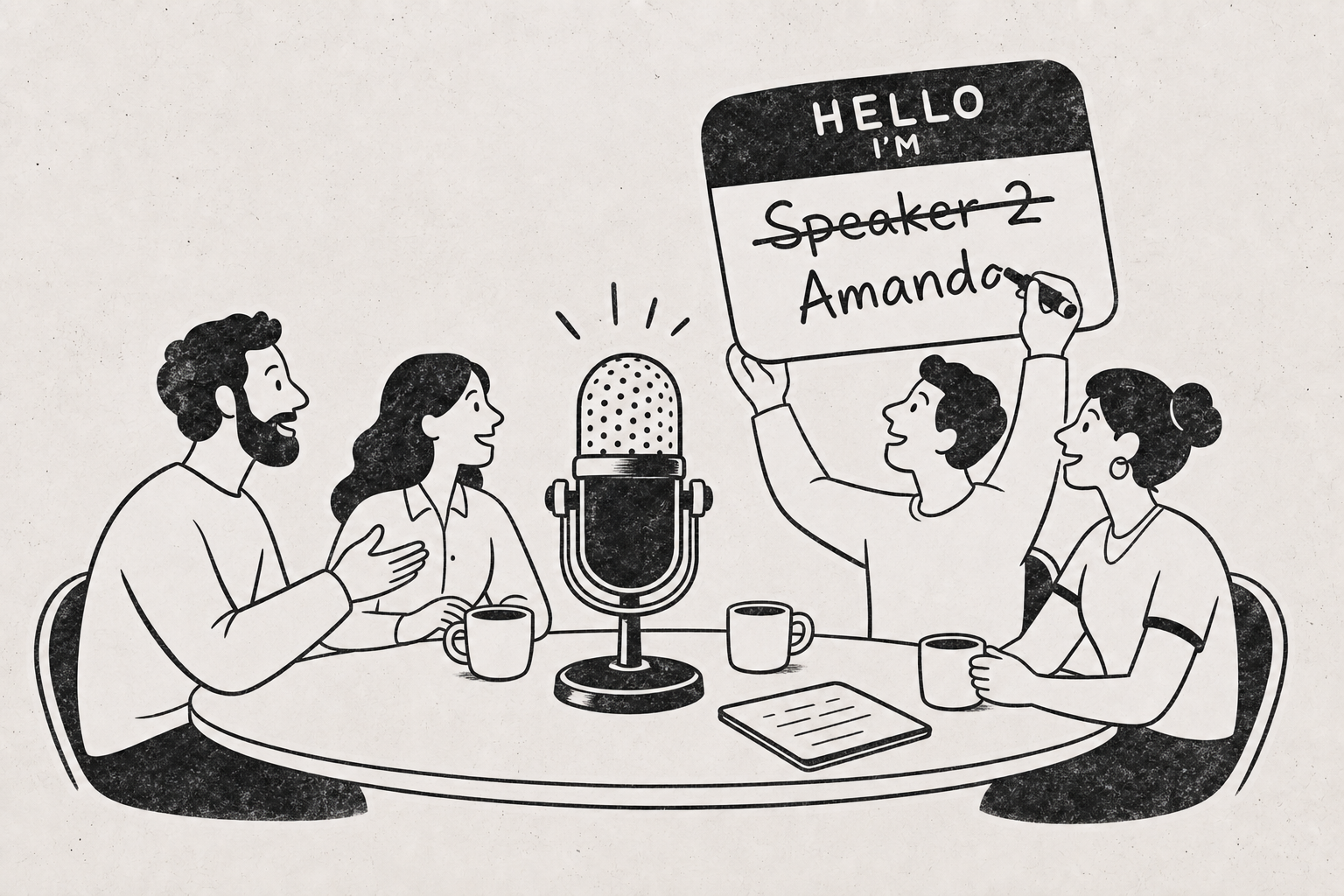
Multi-Speaker Transcription: 7 Rules for Accuracy
Multi-speaker transcription is accurate when the recording separates voices cleanly — here are seven rules that fix diarization errors before they happen.
7 min readListently vs TurboScribe vs Otter.ai: A Real Comparison
Listently suits file uploads with strict privacy, TurboScribe suits bulk batches, and Otter.ai suits live meeting capture — here's how their limits compare.
7 min readMeeting Notes vs Transcript: Which One You Need
A transcript is the full verbatim record; meeting notes are a short interpreted summary. Use transcripts when exact wording matters, notes when decisions do.
7 min readNo articles in this topic yet.
Try it on your next recording.
Upload one file and see the transcript, the summary and the to-dos for yourself.