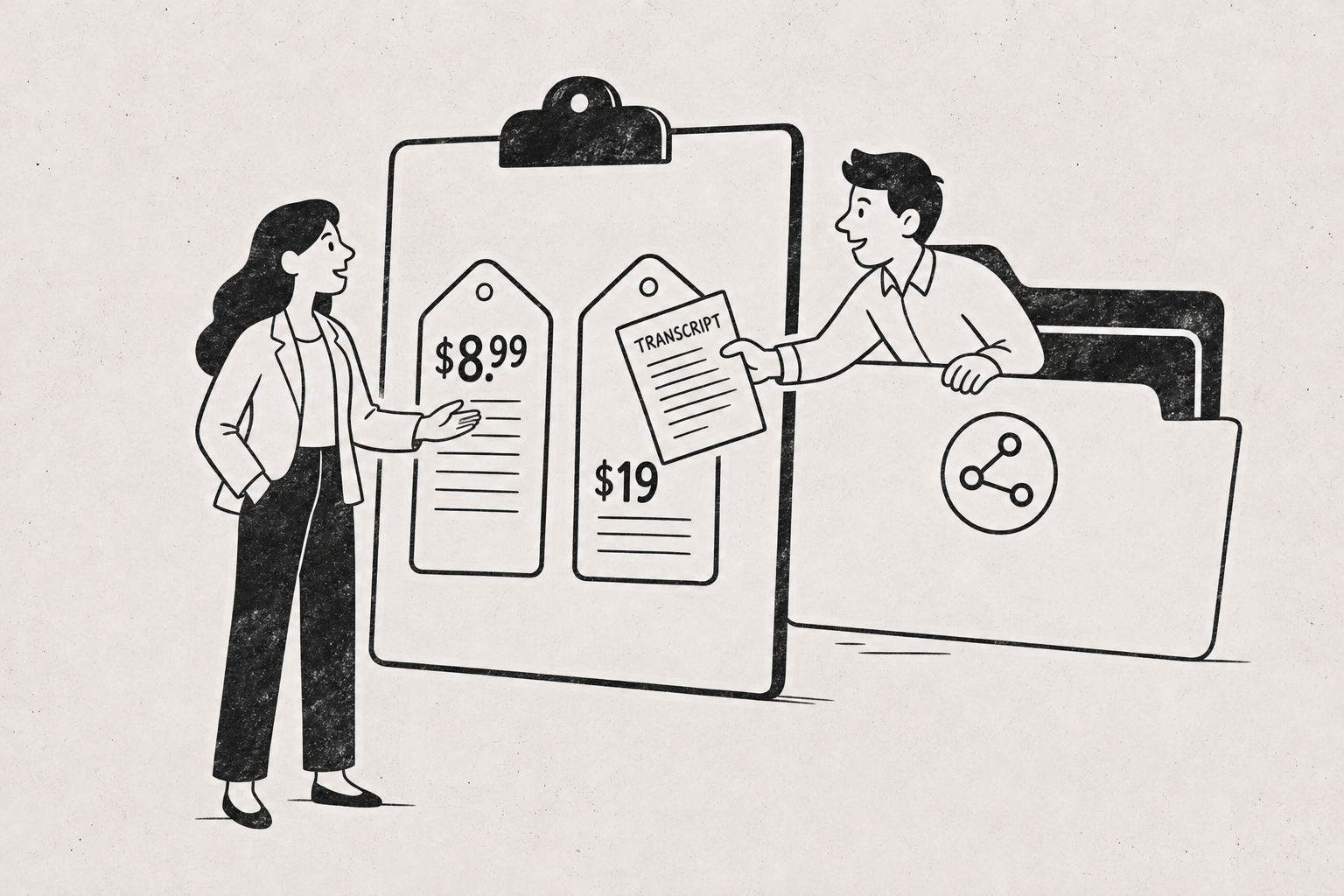
If each person on your team transcribes their own recordings and nobody else needs to open them, individual Pro seats are the cheaper and simpler choice: $8.99/mo per person billed annually ($13.99 monthly), with unlimited transcriptions and no file-length limit. The Team plan costs $19 per seat per month billed annually ($27 monthly) and includes everything in Pro, plus shared folders and roles, comments and @mentions between teammates, and a single bill for the whole group. The practical dividing line is not volume — both tiers are unlimited — it’s whether transcripts need to be shared assets or stay personal files. If two or more people regularly need to read, review, or respond to the same transcript, the roughly $120 per seat per year that Team adds buys you the shared workspace that otherwise gets replaced by exporting files and emailing them around. If sharing is rare and ad hoc, pay for Pro seats and export to Word or PDF when someone else needs a copy. Below is the side-by-side breakdown, the exact cost math, and the signals that mean you’ve outgrown individual seats.
Pro is $8.99/mo per person; Team is $19 per seat per month
Both plans are billed per person. The difference is what that person’s account can do and who pays for it.
| Pro | Team | |
|---|---|---|
| Annual price | $8.99/mo | $19 per seat/mo |
| Monthly price | $13.99/mo | $27 per seat/mo |
| Transcriptions | Unlimited | Unlimited |
| File length limit | None | None |
| Upload size | 5GB | 5GB |
| Batch upload | Up to 10 files at once | Up to 10 files at once |
| Google Drive import | Yes | Yes |
| Custom vocabulary terms | 50 | 50 |
| Highlights & private comments | Yes | Yes |
| Shared folders and roles | No | Yes |
| Comments and @mentions with teammates | No | Yes |
| Billing | One card per person | One bill for the team |
| Cancellation | By the account holder | By a team admin |
Team does not raise any usage limit — Pro is already unlimited transcriptions with no file-length cap. Everything you pay extra for on Team is collaboration and administration. That’s the single most useful thing to understand before you compare prices, because it means “we transcribe a lot” is not a reason to upgrade.
The annual cost difference is about $120 per seat per year
Run the numbers before you decide, because the gap compounds with headcount.
- 1 person: Pro $107.88/yr vs Team $228/yr — difference $120.12
- 3 people: Pro $323.64/yr vs Team $684/yr — difference $360.36
- 5 people: Pro $539.40/yr vs Team $1,140/yr — difference $600.60
- 10 people: Pro $1,078.80/yr vs Team $2,280/yr — difference $1,201.20
At five people, the Team plan costs roughly $600 more per year than five Pro seats — so the question is whether shared folders, @mentions, and one invoice are worth about $50 a month to your team. For a team that currently moves transcripts around by exporting PDFs and attaching them to email threads, that is usually an easy yes. For three freelancers who happen to use the same tool, it usually isn’t.
Also note the annual-versus-monthly spread on both tiers. Pro is $5/mo cheaper annually; Team is $8 per seat per month cheaper annually. If you’re trialling a team workflow and don’t want to commit for a year, budget at the monthly rate ($27 per seat) rather than quoting the annual number internally and getting surprised.
Shared folders are the feature that actually changes the workflow
On individual Pro seats, every transcript lives in the account that uploaded it. Someone else gets access by exporting — Word, PDF, or SRT/VTT — and sending the file. That works, and for occasional handoffs it’s fine. The friction shows up in three places:
- Version drift. Once a transcript is exported, edits to the original (fixing speaker names, correcting a misheard term) don’t reach the copy someone already downloaded.
- Search stops working across the group. Listently’s library search matches transcript text, not just titles, so you can find the conversation where someone said a specific phrase. That only searches your library. On separate Pro accounts, nobody can search anyone else’s transcripts.
- Discovery depends on memory. New hires can’t browse last quarter’s customer interviews if those interviews are sitting in a departed colleague’s personal account.
Shared folders and roles exist to make transcripts a team library instead of a pile of personal files — which matters most when the value of a recording outlives the person who made it. Research repositories, sales call archives, and recurring project meetings all fit that description.
Roles matter for the same reason. If a transcript set includes exit interviews, legal calls, or candidate conversations, you likely want controlled access rather than everyone seeing everything. That’s an argument for Team even on a small team.
Private comments exist on Pro; @mentions only exist on Team
This distinction trips people up, so it’s worth being precise.
Pro includes highlight and comment: you select transcript text, mark it in one of five highlight colors, and attach a private comment. It’s a strong solo review tool — we wrote about the colour-coding workflow in How to Annotate Meeting Transcripts. But those comments are private to your account.
Team adds comments and @mentions with teammates. That turns the transcript itself into the place a conversation happens, instead of a document you annotate privately and then summarise in Slack.
If your review process ends with you personally extracting the useful bits, Pro is enough. If your review process involves asking a colleague “is this what the customer meant at 14:20?”, that exchange belongs on Team.
The same logic applies to AI summaries. Summaries are generated from the actual transcript text and attribute points to specific speakers, so they’re a reasonable starting point for a shared review — but they’re a starting point, not a verdict. We covered the failure modes in What Teams Get Wrong About AI Meeting Summaries.
One bill matters more than finance teams expect
Five Pro seats means five individual subscriptions on five personal cards, five expense reports, and five renewal dates. Team consolidates that into one bill.
Two practical consequences:
- Offboarding is cleaner. On individual accounts, a departing employee’s transcripts live in an account you don’t control. On Team, shared folders keep the work in the team’s space.
- Cancellation is centralised. Pro and Team are both cancelled any time from the Billing section — paid access continues until the end of the period you’ve already paid for, then the account moves to Free, and you can undo the cancellation before that date. The difference is that a Team plan is cancelled by a team admin, not by each individual.
If you’re already reimbursing people for individual transcription subscriptions, the admin overhead of per-person expensing often eats a meaningful chunk of the $10/seat price difference.
Five signals you’ve outgrown individual Pro seats
Use these as a checklist rather than a scoring system — one strong signal is usually enough.
- The same recording gets transcribed twice because two people each uploaded their own copy.
- Someone asks “can you send me that transcript?” more than once a week. That’s the shared-folder gap showing up as a human request.
- You need to control who sees which transcripts — HR, legal, or candidate conversations in the same workspace as general meetings.
- Review happens as a back-and-forth, not a solo read: feedback on specific lines, questions about who said what.
- Transcripts need to outlive the uploader — a research repository or call archive that new team members should be able to search.
If none of those are true, stay on Pro. Volume is never the reason to move to Team; both plans are unlimited, so the upgrade is purely about shared access and administration.
Before you decide: start on Free, then size up
If you haven’t hit the limits of the Free plan yet — 3 transcriptions per day, up to 30 minutes per file, 2GB uploads, 15 custom vocabulary terms — there’s no point debating paid tiers. The Free vs Pro decision guide covers where that wall actually sits.
A reasonable sequence for a team that’s unsure: have one or two people run on Pro for a month, see whether the sharing friction is real or hypothetical, then move everyone to Team if it is. Upgrading after the fact costs you nothing but the price difference.
One operational note that applies regardless of plan: if your team is recording meetings, interviews, or calls, consent rules vary by jurisdiction — some places require all parties to agree, some only one. Decide your recording policy at the team level before you standardise on a transcription workflow, not after.
Common questions
Does Team transcribe faster or more accurately than Pro? No. Accuracy and processing are the same across plans; the variables are audio quality, speaker overlap, and whether you’ve set up custom vocabulary. Team adds shared folders and roles, teammate comments and @mentions, and one bill.
Can some people be on Pro and others on Team? They’re separate plans, so a Pro account is an individual subscription and a Team seat is part of a team’s single bill. If you want shared folders, the people who need shared access need Team seats.
What happens to shared transcripts if we cancel Team? Cancellation is done by a team admin from the Billing section. Paid access continues until the end of the period you’ve already paid for, then the account moves to Free — and the cancellation can be undone any time before that date.
Is our audio used to train AI models on either plan? No, on any plan. Audio and transcripts are never used to train any AI model and never shared with third parties, and uploaded audio is deleted immediately after processing. More detail in Does Transcription Software Train AI on Your Audio?.
Compare the full feature-by-feature breakdown and current rates on the Listently pricing page.