September 11, 2026 · By The Listently Team
What Teams Get Wrong About AI Meeting Summaries
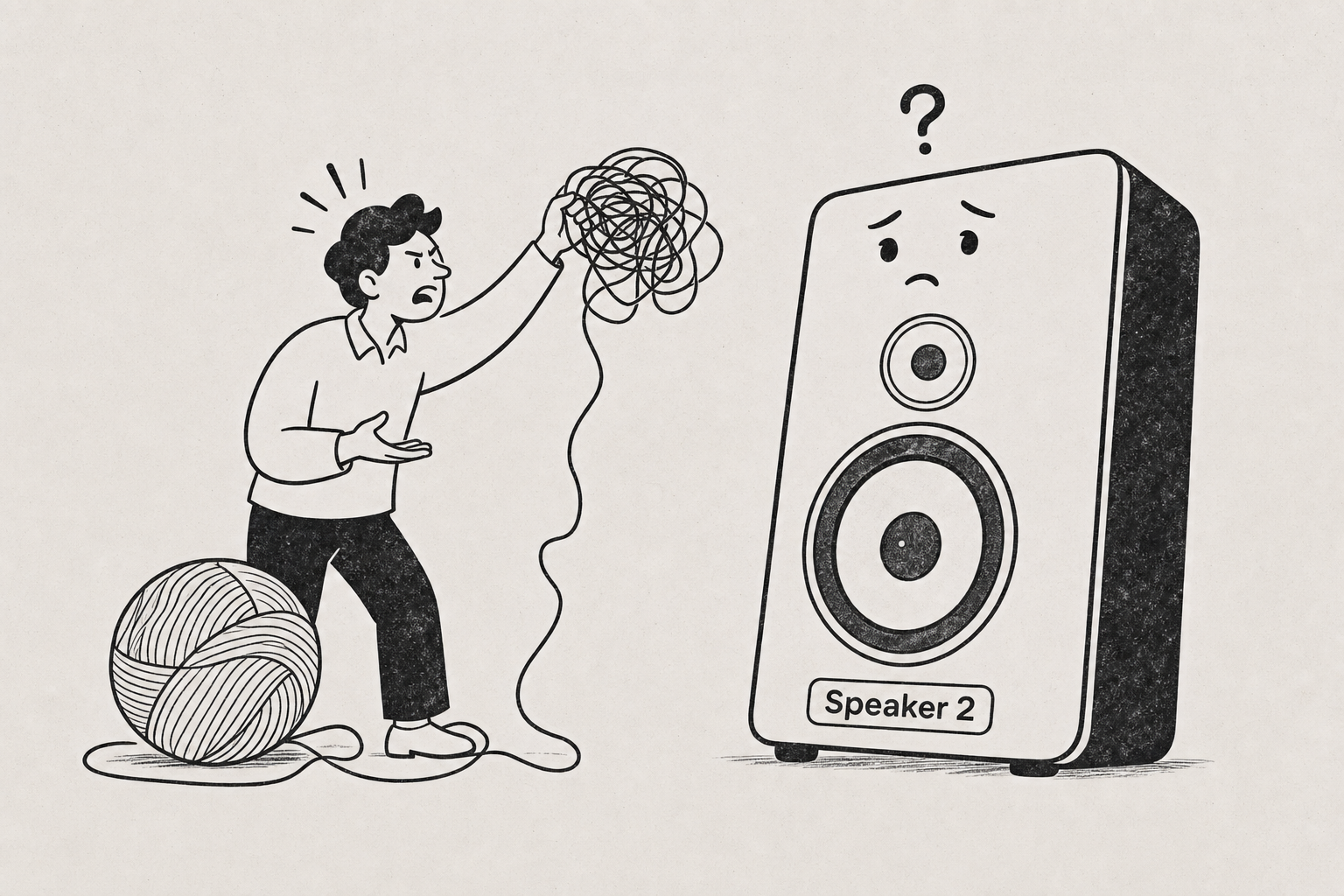
An AI meeting summary attributes points to speakers in two steps, and understanding the order explains most of what people get wrong about it. First, the transcription engine performs speaker diarization: it separates the audio into distinct voices and labels them generically — Speaker 1, Speaker 2, Speaker 3. Second, the summary model reads that already-labeled transcript text and attributes each point to whichever label said it. The summary never listens to the audio and never guesses who someone is from context. It only knows what the transcript tells it.
That’s why renaming matters. In Listently, when you change “Speaker 2” to “Priya Raman,” the rename propagates everywhere the label appears, including the AI summary — so the summary reads “Priya flagged the vendor contract” instead of “Speaker 2 flagged the vendor contract.” The summary is also generated from the actual transcript text and is explicitly instructed not to invent action items or conclusions that weren’t in the recording. If nobody in the meeting committed to a deadline, a correctly built summary won’t produce one. The failure modes people blame on “AI hallucination” are usually diarization errors upstream, not the summary inventing things.
Speaker attribution starts with diarization, not with the summary
Diarization is a separate problem from transcription. Transcription answers “what words were said.” Diarization answers “how many distinct voices are there, and which one said which stretch of words.” A tool can be excellent at one and mediocre at the other.
The practical consequence: if diarization merges two people into one speaker label, the summary will faithfully attribute both people’s points to that single label — and it will be wrong, even though the summary model did exactly what it was told. The error happened before the summary ever ran.
This is why attribution quality depends heavily on the recording itself. The most common causes of bad diarization are:
- Crosstalk. Two people speaking over each other gives the engine overlapping signal to segment.
- A single shared microphone in a conference room. Everyone’s voice arrives through the same channel with similar room acoustics, which makes voices harder to separate than a call where each person has their own mic.
- Very short turns. One-word interjections (“right,” “sure,” “agreed”) often get absorbed into the surrounding speaker’s block because there isn’t enough audio to characterize the voice.
- Similar voices. Two speakers in the same vocal range, recorded through the same channel, are the hardest case.
If you record meetings regularly, a handful of setup choices fix most of this before it becomes a transcript problem. We wrote up the specifics in 9 Ways to Improve Transcription Accuracy Before You Record and Multi-Speaker Transcription: 7 Rules for Accuracy.
Renaming a speaker updates the transcript and the summary together
Generic labels are only useful for the length of time it takes you to figure out who’s who. A summary that says “Speaker 3 will own the migration” is technically accurate and practically useless when you paste it into a project channel.
In Listently, speaker detection is automatic and speakers can be renamed to real names after transcription completes. The rename applies everywhere the label appears — transcript body and AI summary both — so you relabel once rather than find-and-replacing through the output. Transcript text itself is editable after processing too, so a mis-transcribed word can be corrected in place.
The workflow that takes the least time:
- Open the transcript and skim the first few minutes. Introductions and greetings usually identify most speakers within the opening exchange.
- Rename each generic label to a real name. Use the form you actually want in the summary — “Priya” if that’s how your team writes, “P. Raman” if the document is going somewhere formal.
- Re-read the summary. Confirm each attributed point sounds like something that person actually said in the transcript.
- Spot-check any attribution that surprises you. Search the transcript for the phrase from the summary and read the surrounding turns.
That last step is the one people skip. It takes about ninety seconds and it’s the difference between a summary you can forward and one you’re hoping is right.
Custom vocabulary fixes names the transcript keeps misspelling
Speaker renaming handles the label. It doesn’t handle names spoken inside the conversation — a colleague mentioned in passing, a client, a product codename, an internal acronym. Those get transcribed phonetically and then carried into the summary as-is, because the summary only repeats what the transcript says.
Custom vocabulary solves this at the source: save names, jargon, and acronyms once and future transcripts spell them correctly automatically. Listently allows 15 saved terms on Free and 50 on Pro. A recurring weekly meeting with the same six names and four product terms only needs this set up once. Full walkthrough: How to Set Up Custom Vocabulary: Fix Names & Jargon.
A grounded summary won’t invent action items that weren’t in the meeting
The scariest failure mode for meeting summaries isn’t a misspelled name — it’s a plausible-sounding action item nobody agreed to. Summary models are pattern-completers by default, and “meeting notes” is a genre with strong conventions: every meeting has next steps, every next step has an owner and a date. A model that pattern-matches the genre rather than the content will fill those slots whether or not the recording supports them.
Listently’s AI summary is generated from the actual transcript text, attributes points to specific speakers, and is instructed not to invent action items or conclusions not actually present in the recording. The practical meaning of “grounded in the transcript” is that an empty next-steps section is a correct output when the meeting genuinely ended without next steps.
What the summary does and doesn’t do, stated plainly:
| The summary can | The summary cannot |
|---|---|
| Attribute a point to the speaker label that said it | Know who a speaker is if you haven’t renamed the label |
| Reflect a decision that was verbally stated | Infer a decision people reached silently or over chat |
| Condense what’s in the transcript | Correct a diarization error made upstream |
| Leave a section empty when nothing was said | Reliably capture something inaudible in the recording |
The pattern here: the summary is only as good as the transcript under it, and the transcript is only as good as the audio under that. Every quality decision compounds downward from the recording.
Summaries and transcripts serve different jobs — keep both
A summary is a distribution artifact. A transcript is the evidence. Send the summary to people who weren’t in the room; keep the transcript for anyone who needs to check what was actually said.
This matters for disputes. When someone reads “Priya agreed to push the launch” and says that’s not what they meant, the resolution is reading the transcript turn, not re-reading the summary. Treat the summary as a pointer into the transcript rather than a replacement for it.
Listently’s transcript library search matches both the transcript’s title and its transcript text content, so searching a phrase from a summary finds the transcript containing it — which is exactly the move for verifying an attribution weeks later. We covered the broader trade-off in Meeting Notes vs Transcript: Which One You Need.
Recording consent rules vary by jurisdiction
Before any of this applies, you need a recording you’re allowed to have. Consent requirements for recording conversations differ by country and, in the US, by state — some places require only one party’s consent, others require every participant’s. Internal company policy may add its own rules on top, particularly for client calls or HR conversations.
Announcing the recording at the top of the call is the low-friction default: it satisfies most requirements and it lands in the transcript as a timestamped record that you announced it. If you’re recording across borders or in a regulated context, check the specific rules that apply rather than assuming.
Common questions
Does renaming a speaker regenerate the summary? The rename applies everywhere the speaker label appears, including the AI summary. You don’t need to re-upload the file or re-run anything to get real names into the summary output.
Why did the summary attribute something to the wrong person? Almost always diarization, not the summary. Check the transcript at that point — if two people were merged into one label or a short turn was absorbed into the previous speaker’s block, the summary inherited that error. Fix the transcript, since it’s editable after processing.
Can I get a summary without anyone else seeing my audio? Listently doesn’t use audio or transcripts to train any AI model and doesn’t share them with third parties; uploaded audio is deleted immediately after processing. More detail in Does Transcription Software Train AI on Your Audio?.
What if the meeting had no clear action items? Then the summary shouldn’t manufacture any. An accurate summary of a discussion-only meeting is a summary of the discussion — that’s the correct output, not a gap to fill.
If you want speaker-labeled transcripts with summaries that stay tied to what was actually said, see how Listently handles meetings.