August 31, 2026 · By The Listently Team
Listently Free vs Pro: When You'll Hit the Wall
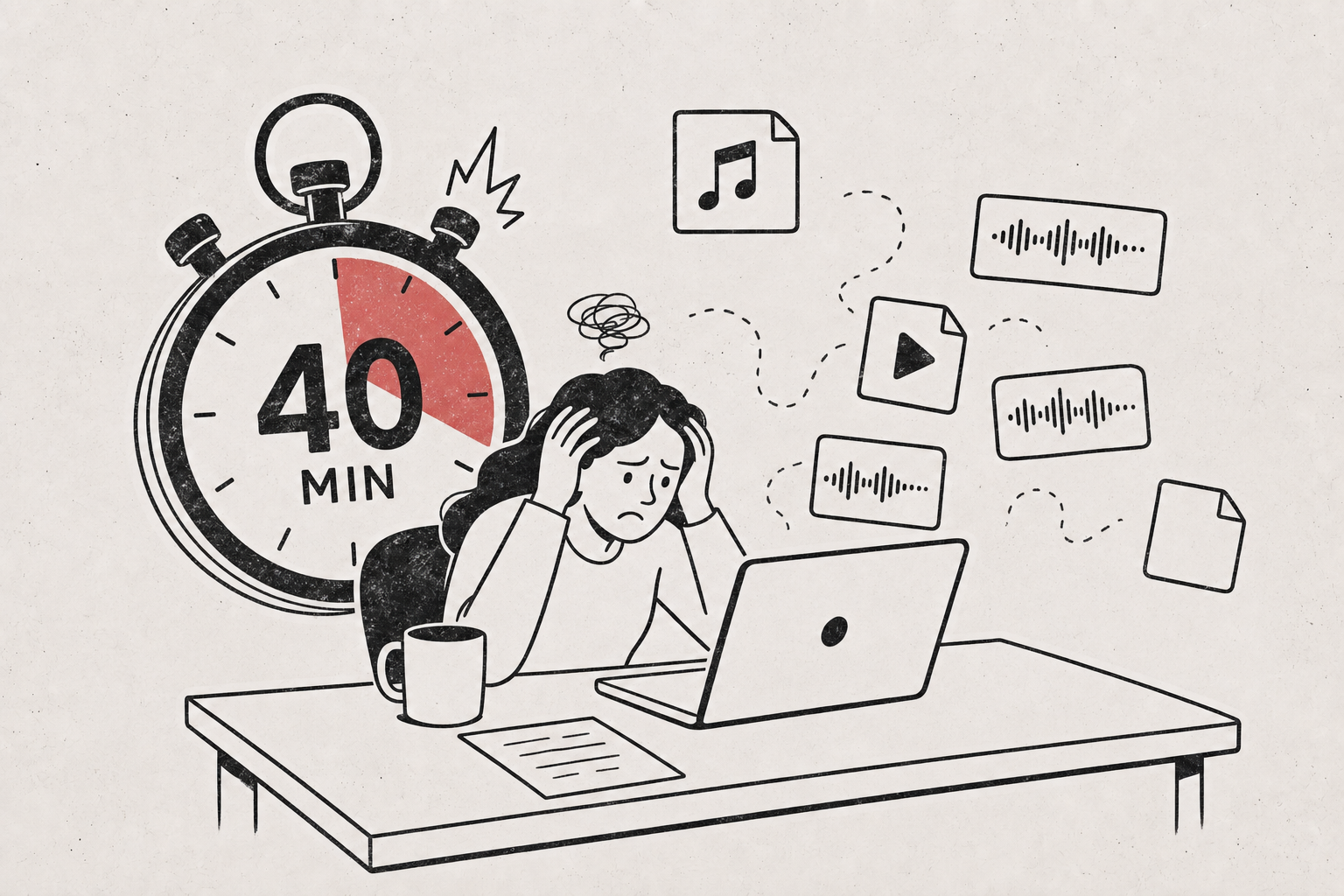
Listently’s Free plan gives you 3 transcriptions per day, a 30-minute limit per file, 2GB uploads, 15 custom vocabulary terms, and one-file-at-a-time uploads. Pro costs $8.99/mo billed annually ($13.99 billed monthly) and removes the daily cap and the file-length limit, raises uploads to 5GB and vocabulary to 50 terms, and adds batch upload of up to 10 files at once plus Google Drive link import. Both plans produce the same thing: an accurate, speaker-labeled transcript with an AI summary, exportable to Word, PDF, or SRT/VTT.
The practical dividing line is file length, not volume. Most people don’t hit 3 transcriptions in a day, but plenty of people regularly have a recording longer than 30 minutes — a full-length meeting, a podcast episode, a lecture, an unhurried interview. If that describes your typical file, Free will block you on your first real upload, and no amount of rationing will fix it. If your recordings are consistently short (voice memos, 20-minute standups, quick calls), Free is genuinely usable indefinitely.
Side-by-side: what actually differs between Free and Pro
| Free | Pro | |
|---|---|---|
| Price | $0 | $8.99/mo billed annually, $13.99/mo billed monthly |
| Transcriptions | 3 per day | Unlimited |
| Max file length | 30 minutes | No limit |
| Max upload size | 2GB | 5GB |
| Custom vocabulary terms | 15 | 50 |
| Batch upload | One file at a time | Up to 10 files at once |
| Google Drive import | — | Paste a share link |
| Speaker labels & renaming | Yes | Yes |
| AI summary | Yes | Yes |
| Exports (Word, PDF, SRT/VTT) | Yes | Yes |
| Languages | 100+ | 100+ |
| Transcript search across library | Yes | Yes |
Accuracy, speaker detection, summaries, exports, and privacy are identical on both plans — Pro buys capacity and workflow, not a better transcript. That matters when you’re deciding: you can test Listently’s actual output quality on Free and know exactly what you’d get on Pro.
The 30-minute cap is the limit most people hit first
Three transcriptions a day sounds tight until you count what you actually upload. A journalist doing two interviews a week, a student recording three lectures, a founder reviewing a weekly all-hands — none of those hit a daily ceiling.
The 30-minute per-file cap is a different story. Common recordings that blow past it:
- A one-hour client call or standing team meeting
- A podcast episode, including the pre-roll chatter you didn’t trim
- A university lecture (typically 50–90 minutes)
- A semi-structured research interview, which tends to run long once the subject warms up
- A conference talk plus Q&A
- Any Zoom recording where someone forgot to stop it
If your usual recording is over 30 minutes, Free doesn’t slow you down — it stops you entirely, and that’s the single clearest signal to upgrade.
Splitting a 70-minute file into two chunks technically works, but you get two separate transcripts with two separate speaker-detection passes and two separate summaries, so speaker labels may not match across the halves and neither summary sees the full conversation. It’s a workaround, not a workflow.
2GB vs 5GB matters mainly for video
Audio files are small. A 30-minute MP3 at a normal bitrate is well under 100MB, so the 2GB Free ceiling is effectively irrelevant if you’re uploading audio only.
Video is where size becomes real. Listently accepts MP4, MOV, and MKV alongMP3, WAV, M4A, FLAC, and OGG, and screen recordings or camera footage at high bitrates can pass 2GB quickly — a long multi-camera recording or an uncompressed screen capture especially.
If you routinely upload raw video rather than exported audio, the 5GB Pro ceiling is the difference between uploading directly and re-encoding files first.
Batch upload and Drive import are about your time, not your quota
These two Pro features don’t change what you can transcribe — they change how long it takes you to start.
- Batch upload: Pro lets you select or drop up to 10 audio files at once. Free is one file at a time. If you’ve just finished a week of fieldwork or a recording day with five episodes, that’s one action instead of ten.
- Google Drive import: paste a Drive share link and Listently fetches the file directly. No downloading a 1.5GB recording to your laptop just to upload it again. Free users do the download-then-upload roundtrip.
If your recordings arrive in batches or already live in Google Drive, Pro’s value is mostly recovered minutes of setup, which is easy to underrate until you’ve done the roundtrip a dozen times.
15 vs 50 custom vocabulary terms depends on how much jargon your domain has
Custom vocabulary is where you save names, acronyms, and jargon so future transcripts spell them correctly without you fixing them each time. Free holds 15 terms; Pro holds 50.
Fifteen is enough for a small, stable set: your own name, three or four recurring colleagues, a product name, a couple of industry acronyms. That covers a solo podcaster with regular co-hosts or a student in one specialised course.
Fifty starts to matter when the vocabulary is broad and the cost of a misspelling is high — clinical or legal terminology, a research project with 20 named participants, a company with a dense internal acronym habit, or interviews across an industry with unusual proper nouns. Combined with the speaker-renaming rules in our guide to multi-speaker transcription, a well-stocked vocabulary list is what cuts post-editing time most.
Count the recurring proper nouns and acronyms in your last three transcripts; if it’s over 15, you’ll be constantly pruning the list on Free.
Decide in one pass: three questions
- Is your typical recording longer than 30 minutes? Yes → Pro. This is the hard blocker; nothing else on the list is.
- Do you upload more than 3 files on your busiest days, or arrive with a batch of them at once? Yes → Pro, for the unlimited cap and 10-file batch upload.
- Neither? Stay on Free. Three 30-minute transcriptions a day with speaker labels, summaries, and full exports is a real amount of work, not a crippled demo.
If you’re unsure, the honest answer is to run Free for a week and note where you got stuck. The transcript output is identical, so the trial tells you something accurate about the paid experience.
What’s the same on both plans (and worth knowing before you pay)
- Speaker detection is automatic on both, and renaming a speaker to their real name applies everywhere, including inside the AI summary.
- The AI summary is generated from the actual transcript text and attributes points to specific speakers. It’s instructed not to invent action items or conclusions that aren’t in the recording.
- Transcripts and speaker names are editable after processing completes on either plan.
- Library search matches transcript text, not just filenames, so searching a phrase finds the file that contains it — useful whether you have 12 transcripts or 1,200.
- Privacy terms are identical: audio and transcripts are never used to train any AI model, never shared with third parties, and uploaded audio is deleted immediately after processing. We go into why that distinction matters in does transcription software train AI on your audio.
Upgrading changes your ceiling and your setup speed. It does not change accuracy, privacy handling, or output formats — those are the same at $0 and $8.99.
One note on recording other people
If you’re recording interviews, meetings, or calls with other participants, consent rules vary by jurisdiction — some places require only one party’s consent, others require everyone’s. Check what applies where you and your participants are, and say out loud at the start that you’re recording. Our interview transcription guide covers how to build that into your recording routine.
Common questions
Does Pro give more accurate transcripts than Free? No. Transcription accuracy, speaker detection, and the AI summary work the same way on both plans. Pro raises limits and adds batch upload and Google Drive import.
Can I split a long recording to stay on Free? You can, but each chunk is transcribed independently, so speaker labels may not line up between parts and each summary only covers its own segment. For a coherent transcript of a 90-minute conversation, the no-length-limit Pro plan is the cleaner path.
Is annual or monthly billing better? Annual is $8.99/mo; monthly is $13.99/mo. If you have a seasonal workload — one semester, one research phase, one recording sprint — monthly costs more per month but lets you stop when the work stops.
Do the 3 free transcriptions reset? Yes, the Free plan allows 3 transcriptions per day.
Start on Free and see where you hit the wall — create an account and transcribe your first file, or check the full plan details if you already know a 30-minute cap won’t work for you.