August 22, 2026 · By The Listently Team
Multi-Speaker Transcription: 7 Rules for Accuracy
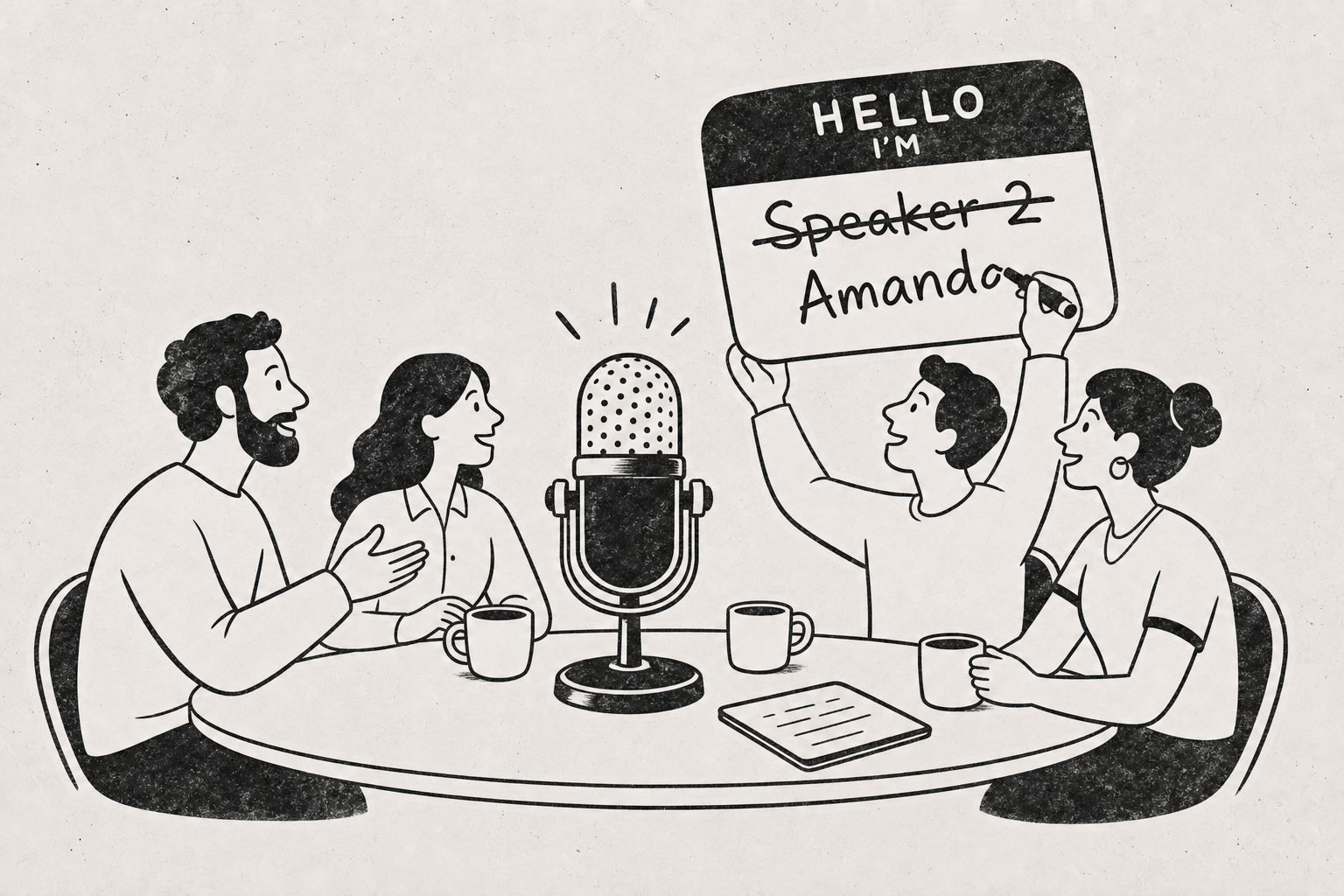
Multi-speaker transcription is the process of turning a recording with two or more voices into a transcript where each line is attributed to the person who said it. The attribution step is called diarization, and it’s separate from speech recognition: one system decides what was said, another decides who said it. Diarization accuracy depends far more on your recording than on your software. Voices captured at similar volume, on separate channels or a well-placed central mic, in a room without hard echo, get separated reliably. Voices that overlap, or that come through a laptop mic across a long table, do not. The seven practical rules: record close to each speaker, get every person to say their name early, discourage cross-talk, keep the participant list stable, use a tool with automatic speaker detection instead of labeling manually, rename generic labels to real names before you read the transcript, and spot-check the three spots where diarization typically breaks — the first minute, interruptions, and anyone who joins late. Do those and a six-person conversation transcribes about as cleanly as a two-person one.
Consent rules vary by jurisdiction, so settle that first
Recording-consent law is not uniform. Some jurisdictions require only one party to consent, others require every participant to agree, and workplace or research contexts can add their own requirements on top. Before a multi-speaker recording, announce that you’re recording and get an audible yes from each person — it covers you in most situations and it doubles as the voice sample diarization needs. Check the rules that apply where you and your participants are located.
Rule 1: One microphone per speaker beats one microphone for the room
Diarization works by clustering voice characteristics. The cleaner and more distinct each voice is in the audio, the easier the clustering. A speaker sitting three feet from the mic and a speaker sitting twelve feet away don’t just differ in volume — the far voice picks up room reflection that smears its acoustic signature.
If you can’t give everyone their own mic, put an omnidirectional mic at the center of the table and seat people at roughly equal distance from it. Avoid rooms with bare walls, glass, and hard floors; soft furnishings and a smaller room both help.
In practice, the single highest-leverage change for group recordings is moving the microphone from the end of the table to the middle of it.
For remote calls, record with the platform’s own recording rather than pointing a mic at your laptop speakers. Each participant’s audio arrives already separated at the source.
Rule 2: Have everyone say their name in the first 30 seconds
Diarization assigns anonymous labels — Speaker 1, Speaker 2 — and you have to map them to real people. A round of introductions at the top of the recording makes that mapping trivial: you read the first paragraph, see who’s who, and rename each label once.
Without introductions, you end up scrubbing through the middle of the audio trying to identify a voice by context. On a four-person panel that’s a stretch of avoidable work.
Ask each person for a full sentence, not just a name — “Hi, I’m Dana Okafor, I run operations” gives the system more voice data to cluster on than a one-word answer.
Rule 3: Overlapping speech is a common cause of diarization errors
When two people talk at once, the audio contains two voices in one segment and the system has to pick one label. It usually picks the louder speaker and drops or misattributes the other. Long stretches of cross-talk — a heated debate, a group all reacting at once — are where transcripts get messy regardless of which tool you use.
You can’t eliminate overlap in natural conversation, but you can reduce it:
- Say at the start that you’re recording and ask people to let each other finish
- In a panel or interview, direct questions to a named person rather than to the group
- If two people start at once, ask one to repeat — the repeat transcribes cleanly
- For remote calls, encourage the hand-raise feature instead of verbal interruption
Accept that rapid back-and-forth will need manual cleanup, and budget a few minutes for it rather than expecting the transcript to be perfect.
Rule 4: Keep the participant list stable, or announce changes out loud
A person who joins twenty minutes in gets a new speaker label, which is correct. A person who joins, says nothing for ten minutes, then speaks briefly from a different position in the room may get merged with someone else or split into two labels.
When someone arrives or leaves, say it out loud: “Priya just joined.” That line sits in the transcript as a marker, so when a new speaker label appears you already know who it is without re-listening.
The same applies when someone changes seats or switches from a headset to speakerphone — the acoustic profile changes and the system may treat it as a new voice.
Rule 5: Use automatic speaker detection instead of labeling by hand
Manual speaker labeling on a multi-person recording is genuinely slow work: you listen, type a name, listen, type a name, and on a long group conversation that adds up fast. Automatic diarization does the same job during processing.
Listently detects speakers automatically on upload and returns a speaker-labeled transcript with an AI summary that attributes points to individual speakers — which is what makes a multi-person meeting recording usable without a full listen-through. It handles MP3, WAV, M4A, FLAC, OGG, MP4, MOV, and MKV, and supports over 100 languages.
Your job shifts from creating attributions to verifying them, which is the far lighter task.
Rule 6: Rename Speaker 1 to a real name before you read anything
Reading a transcript full of “Speaker 3” forces you to hold a mental lookup table while you read, and it’s the main reason people say group transcripts are hard to follow. Renaming takes under a minute if you did Rule 2.
In Listently, renaming a speaker applies the change everywhere in the document, including inside the AI summary — so the summary reads “Dana raised the budget concern” rather than “Speaker 2 raised the budget concern.” Transcript text and speaker names both stay editable after transcription finishes, so you can fix an attribution and correct a misheard proper noun in the same pass.
Do the renaming before you share the file with anyone. A transcript with real names is something a colleague can skim; one with numbered labels is something they’ll ask you to explain.
Rule 7: Spot-check the three places diarization usually breaks
You don’t need to verify the whole transcript. Errors cluster in predictable places:
- The first 30–60 seconds — the system has the least voice data to work with, so early lines are the most likely to be mislabeled.
- Interruptions and cross-talk — search the transcript for very short lines (three or four words) attributed to someone unexpected; those are usually overlap artifacts.
- Late arrivals and seat changes — check the point where a new label first appears and confirm it’s a real new person, not an existing one re-clustered.
Reading those three spots takes a few minutes on a one-hour recording and catches most of what matters.
Export format depends on what you’re doing next
Once the transcript is clean, pick the export that fits the destination:
| Format | Best for |
|---|---|
| Word (.docx) | Further editing, quoting, sharing with reviewers who mark up text |
| Circulating a fixed, read-only version to participants or stakeholders | |
| SRT / VTT | Subtitling the video version of a panel, webinar, or podcast |
If what you actually need is a decision list rather than the full text, the AI summary is usually the faster read — we covered the difference in meeting notes vs. transcripts.
Common questions
How many speakers can automatic diarization handle? It depends on audio quality more than headcount. Four people on separate mics separate more reliably than three people at the far end of a conference table. Distinct voices, minimal overlap, and even mic distance matter more than the number in the room.
Do similar-sounding voices get confused? They can, particularly two speakers of the same vocal range recorded on the same channel at similar distance. This is exactly why Rule 7 exists — you spot-check and correct labels after the fact rather than trusting them blindly.
Is a group recording safe to upload? With Listently, uploaded audio is deleted immediately after processing, and audio and transcripts are never used to train any AI model or shared with third parties. If you’re evaluating tools on this point generally, see does transcription software train AI on your audio.
What about one-on-one interviews? Most of these rules still apply, but the workflow is simpler with two voices. We wrote a separate walkthrough on transcribing an interview.
Try it on your next group recording
The free plan covers 3 transcriptions a day at up to 30 minutes per file, which is enough to test diarization on a real team meeting or panel. Pro removes the length and count limits at $8.99/mo billed annually.
Upload a multi-speaker recording and see how the labels come out →