To transcribe a nonprofit board meeting, record the meeting to a single audio or video file, upload that file to a transcription tool, rename the detected speakers to the actual board members, correct any names or acronyms the model misheard, and export the result in the format your organization archives. For a typical 90-minute board meeting, an AI transcription tool returns a speaker-labeled draft in minutes, and the human cleanup is usually 15 to 30 minutes of reading rather than hours of typing. The transcript is not your minutes — minutes are a summary of decisions, and a transcript is the full record you draft those minutes from and keep as backup. Before you record, confirm what your bylaws and your state’s open meeting rules say about recording and about what has to be published; consent and notice requirements vary by jurisdiction and by whether your organization receives public funding. For accessibility, export the transcript as a PDF or Word document for members who can’t attend, and as SRT or VTT subtitles if you post the meeting video publicly.
A transcript and your minutes are two different documents
Board minutes are the legal record of what was decided: motions, seconds, votes, abstentions, and resolutions. They’re short on purpose. A transcript is the full verbatim record of what was said, including the discussion that led to each vote.
You want both, and the transcript is what makes the minutes fast to write. Your secretary reads the transcript, pulls out the motions and outcomes, and writes minutes in twenty minutes instead of reconstructing a two-hour meeting from scratch. If you’re unsure which document your situation calls for, we wrote a longer breakdown of meeting notes vs transcripts.
Keep the transcript as the backing record and publish the minutes as the official one — that way a member who disputes how a motion was characterized can be pointed at the actual words.
Step 1: Check your recording and disclosure obligations first
Recording-consent rules vary by jurisdiction. Some states require all-party consent for recording a conversation; many public bodies and publicly funded organizations also fall under open meeting laws that govern notice, public access, and what records have to be retained or released.
Nonprofits add a second layer: your own bylaws may say whether meetings are recorded, who can access recordings, and how long records are kept. Executive sessions covering personnel, litigation, or donor identities are usually handled separately from the general session.
The practical rule: announce at the top of the meeting that it’s being recorded and transcribed, note it in the minutes, and keep executive session recordings out of any shared folder members can browse.
Step 2: Record one clean file, not six phone recordings
Transcription accuracy is decided mostly before you hit upload. A board table with one laptop mic at the head of the room will produce strong labels for the chair and mush for the person at the far end.
Practical setup for in-person board meetings and town halls:
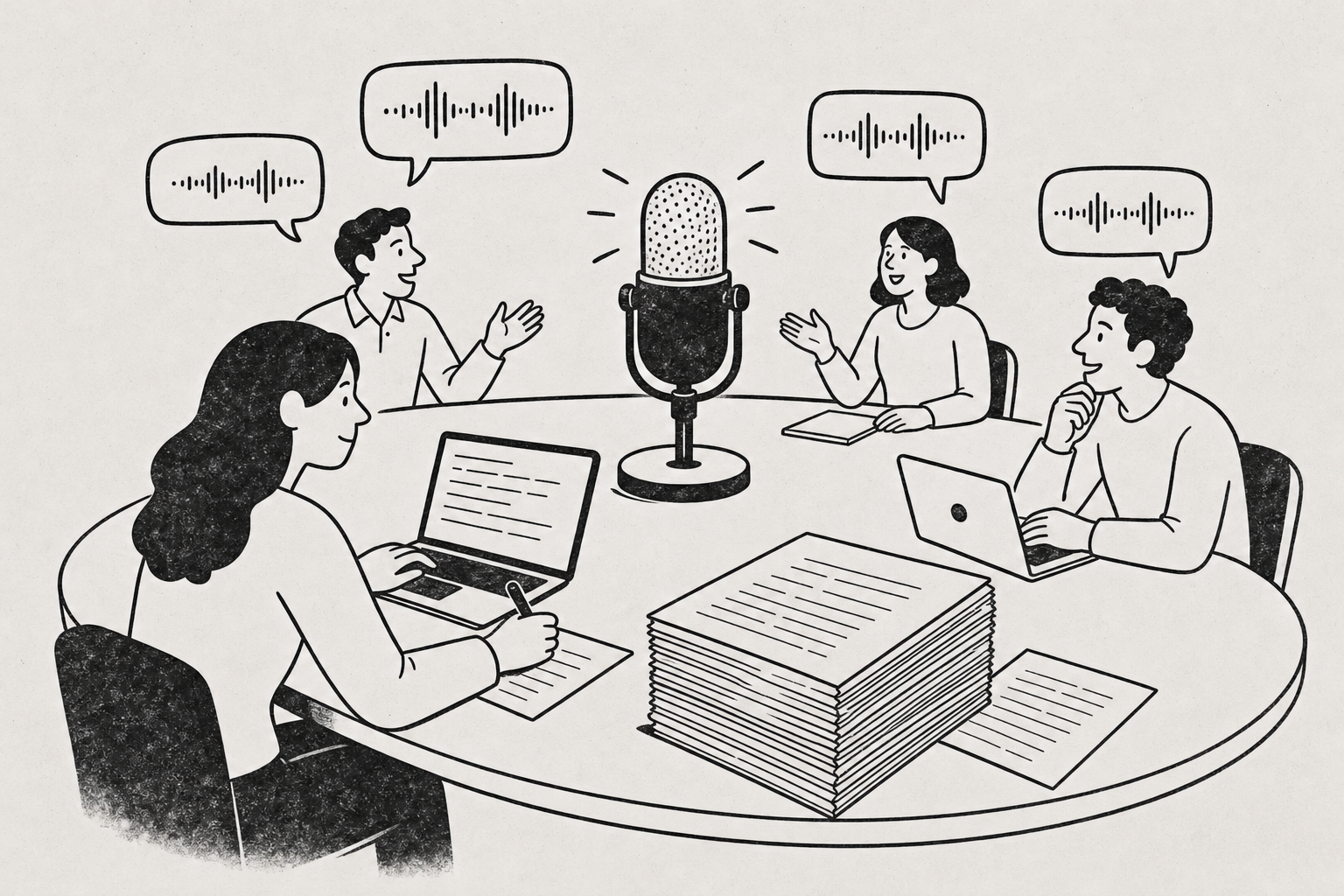
- Put the recording device at the center of the table, not at one end.
- If you have a PA system for a town hall, record from the mixer’s output rather than from a phone in the back of the room.
- Ask people to speak into the mic during public comment, even if the room can hear them fine — the recorder can’t.
- Reduce HVAC and hallway noise where you can; a few background noise fixes go further than any post-processing.
- For hybrid meetings, use the platform’s own recording so remote voices come through the call audio rather than through a room speaker.
One continuous file beats multiple partial recordings, because speaker detection works across the whole file and gets more accurate the more it hears each voice.
Step 3: Upload the recording and get a speaker-labeled draft
Upload the file to a transcription tool and let it process. Listently accepts MP3, WAV, M4A, FLAC, OGG, MP4, MOV, and MKV, so a Zoom MP4 or a handheld recorder’s WAV both work without converting anything first.
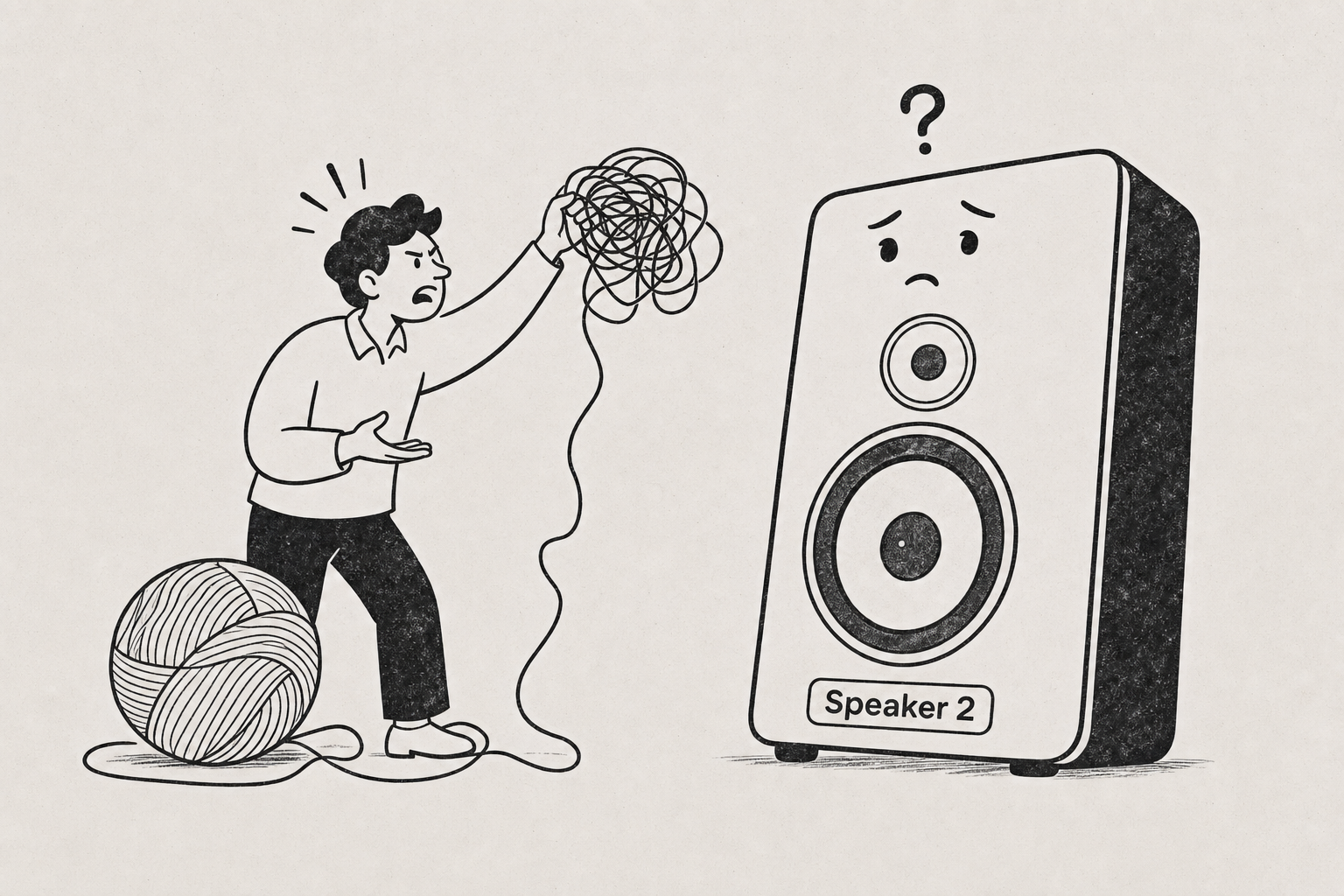
Speaker detection is automatic — the transcript comes back split into Speaker 1, Speaker 2, and so on. For a board meeting with eight regular attendees plus public comment, expect the tool to separate most voices cleanly and occasionally merge two people with similar vocal ranges.
For a board record, the labels matter as much as the words: “who moved to approve the budget” is the part someone will come back and look for. Multi-speaker rooms have their own quirks worth knowing — we covered them in 7 rules for multi-speaker transcription.
Step 4: Rename speakers to real board members
Generic labels are useless in a governance record. Rename Speaker 1 to “Maria Alvarez (Chair),” Speaker 2 to “Dev Patel (Treasurer),” and so on.
In Listently, renaming a speaker applies everywhere, including in the AI summary — so the summary reads “the Treasurer flagged the audit timeline” rather than “Speaker 2 flagged the audit timeline.” That single pass is what turns a raw draft into something you can hand to a board member.
Transcript text and speaker names stay editable after transcription finishes, so you can fix a mislabeled segment during your review read rather than re-running anything.
Step 5: Fix names, programs, and acronyms with custom vocabulary
Nonprofit meetings are dense with proper nouns no general model has seen: your program names, grant codes, local place names, funder acronyms, and board member surnames.
Custom vocabulary solves this ahead of time instead of one find-and-replace at a time. Save the terms once and future transcripts spell them correctly automatically — 15 terms on the Free plan, 50 on Pro. A sensible starting list for a nonprofit board:
| Category | Examples to save |
|---|---|
| People | Board member and ED surnames |
| Programs | Internal program and initiative names |
| Funders | Foundation names, grant program acronyms |
| Governance | Committee names, bylaw article references |
| Local | Neighborhood, district, and facility names |
Building this list once before your next quarterly meeting removes most of the manual correction work from every meeting after it. The custom vocabulary setup guide walks through it.
Step 6: Use the AI summary to draft minutes — then verify every motion
The AI summary is generated from the actual transcript text and attributes points to specific speakers. On Pro and Team plans it also lists action items found in the conversation. It’s instructed not to invent action items or conclusions that aren’t present.
That makes it a solid first draft of minutes, not a replacement for them. Verify every motion, second, and vote count against the transcript itself before anything goes into the official record — a summary is a compression, and governance records are exactly where compression loses the detail that matters.
Treat the summary as the skeleton of your minutes and the transcript as the source of truth for anything that was voted on. We’ve written about what teams get wrong about AI meeting summaries if you want the longer version.
Step 7: Export in the format each audience actually needs
Different audiences need different files from the same meeting:
- Word — for the secretary who’s editing the transcript down into minutes, or adding bracketed clarifications.
- PDF — for the archive copy and for distribution to members, since it renders identically everywhere and is harder to edit accidentally. (Word vs PDF export, compared.)
- SRT or VTT — for captions, if you post town hall or annual meeting video on your site or a video platform. Captions are the single highest-impact accessibility step for a public meeting recording. (How to create an SRT file.)
If you publish meeting video at all, publish captions with it — a written, timestamped record is what makes the meeting usable for deaf and hard-of-hearing members, people on slow connections, and anyone searching for one agenda item.
Shared access: who on the board can see what
For organizations where more than one person handles records, shared access matters more than raw transcription speed. Listently’s Team plan has shared folders with Admin, Editor, and Viewer roles, where Viewers read only, plus comments and @mentions between teammates and one bill for the whole team.
Each item can be set to Team, Link only, or Private (owner plus admins). That maps reasonably well to a nonprofit’s reality: general session transcripts visible to the whole board, a link-only copy for a committee, executive session material kept private to the owner and admins. People outside the team can request access from a shared link and an admin approves them, as Viewer by default.
If you’re weighing whether one account is enough, the Pro vs Team comparison covers the dividing line.
Privacy expectations for sensitive board material
Board meetings touch personnel decisions, donor information, and occasionally legal exposure. Before uploading anything to a transcription service, know what happens to the file.
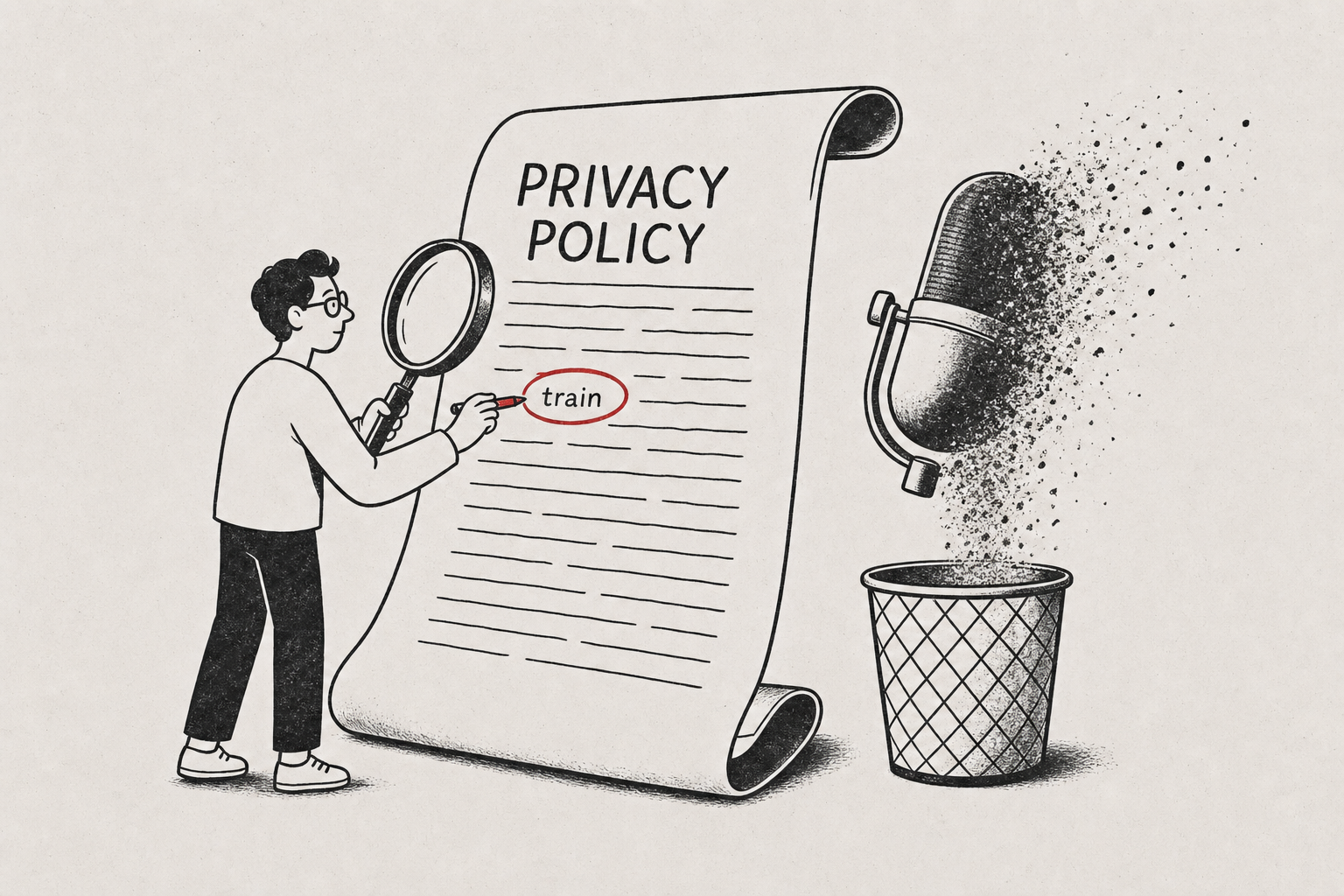
With Listently, audio and transcripts are never used to train any AI model and never shared with third parties, and uploaded audio is deleted immediately after processing — the transcript remains in your library, the source recording does not sit on a server. That’s the policy question to ask of any vendor you evaluate; we wrote up what “does transcription train AI on your audio” actually means.
Common questions
How long does a two-hour board meeting take to transcribe? Minutes of processing for the draft, then your own review time. Budget 20 to 40 minutes of reading and correcting for a two-hour meeting with many speakers — still far less than transcribing by hand.
Can we transcribe meetings held in more than one language? Yes. Over 100 languages are supported, which matters for community organizations running bilingual town halls. Mixed-language segments are still the hardest case for any tool, so review those sections closely.
Do we have to publish the transcript if we make one? That depends on your jurisdiction and whether your organization is subject to open meeting or public records law. Having a transcript doesn’t automatically create a publication obligation, but if you’re covered by those rules, check with counsel on retention and disclosure before you decide what to archive.
Is the free plan enough for a small board? It can be, if your meetings are short. The Free plan allows 3 transcriptions per day at up to 30 minutes per file — fine for a monthly committee call, not enough for a two-hour quarterly board meeting, which needs the no-file-length-limit of a paid plan.
If you’re putting together a repeatable record-keeping process for board meetings and town halls, see how Listently handles meeting transcription.