To transcribe exit interviews for HR documentation, record the conversation with consent, upload the audio or video file to a transcription tool, rename the auto-detected speakers to the actual participants, correct any misspelled names or internal jargon, then export the finished transcript as a Word or PDF file and store it in the employee record alongside your summary notes. The whole process takes minutes per interview rather than the hour-plus of typing it manually. The parts that matter most for HR are speaker labels and export format: a transcript that says “Speaker 1” and “Speaker 2” is close to useless in a personnel file six months later, and a transcript trapped inside a web app isn’t a record your legal or compliance team can attach to anything. Before you record, confirm your jurisdiction’s consent rules and tell the departing employee the session is being recorded and why. Also decide in advance who can access the transcript, since exit interviews frequently contain allegations, salary details, and named complaints about specific managers. A good exit interview transcript is a speaker-labeled, exportable, searchable document — not just a wall of text.
Why typed notes fail exit interviews specifically
Exit interviews are the one HR conversation where the exact wording matters most and where note-taking is hardest. The employee is often candid for the first time in their tenure, sometimes emotional, and frequently describing a sequence of events — who said what, when, in what meeting.
If you’re typing while they’re talking, you’re compressing. You capture “frustrated with manager” and lose “my manager told me in March that the promotion was approved, and then in June HR said no requisition existed.” The second version is actionable. The first isn’t.
There’s also a credibility problem. Paraphrased notes written by the HR person who conducted the interview carry less weight than a verbatim record if the conversation later becomes relevant to a dispute or a pattern investigation. Verbatim transcripts turn an HR impression into a record, which is the difference between “we heard some complaints” and “three departing employees on this team described the same incident.”
Get consent before you record, and check your jurisdiction
Recording-consent rules vary by jurisdiction. Some places require only one party to consent; others require every participant to agree, and for employment contexts some employers have additional obligations under works-council agreements or local labor law. Remote interviews complicate it further, since the employee may be sitting in a different state or country than you are.
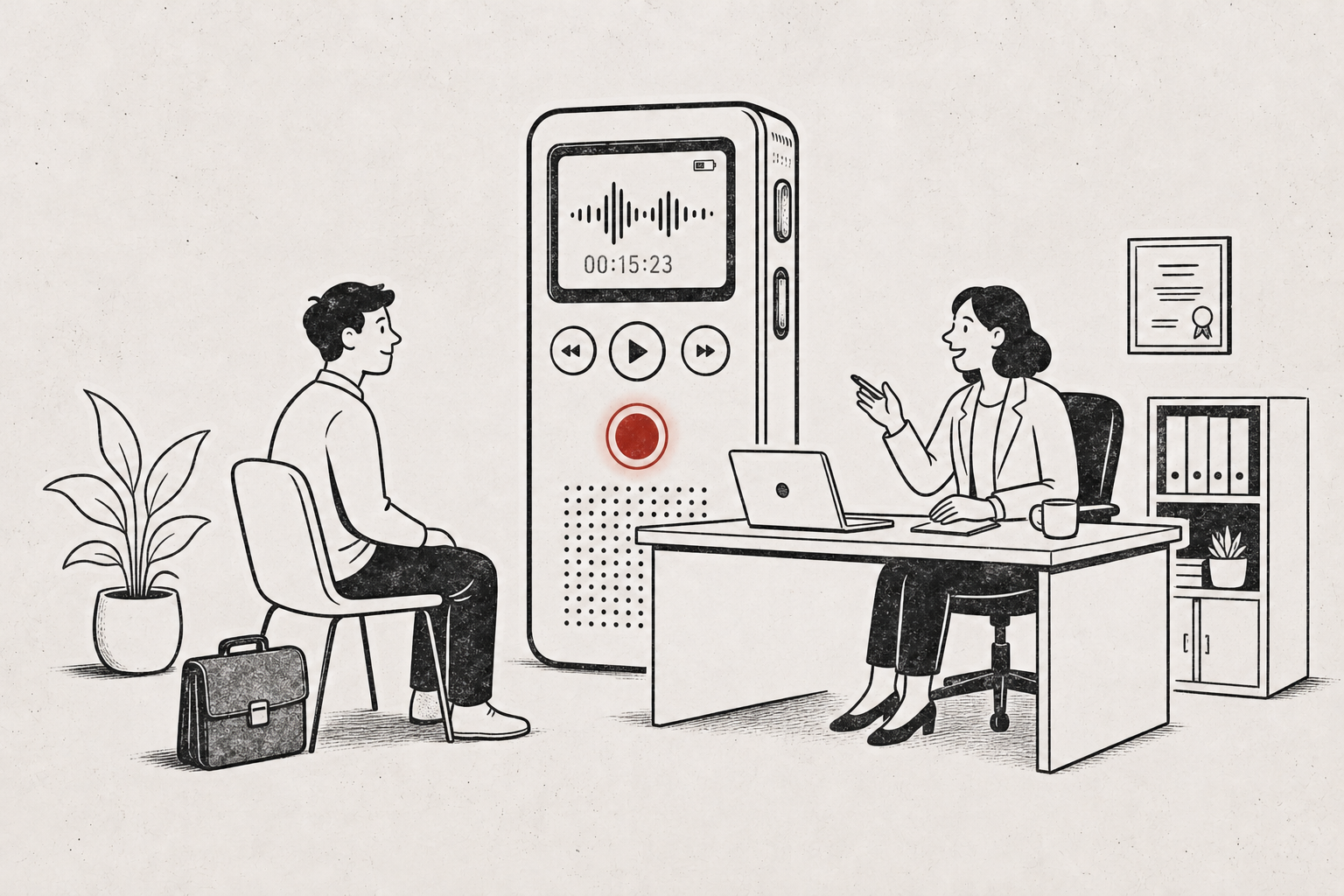
The practical approach: tell the employee at the start that you’d like to record for accurate note-keeping, say what happens to the recording afterward and who will see the transcript, and get a clear verbal yes on the recording itself. If they decline, take notes the old way — don’t record anyway.
Loop in your own legal or compliance team once, set a standard script, and use it for every exit interview rather than deciding case by case. That also protects you from the appearance of recording selectively.
The five-step exit interview transcription workflow
- Record the session. A laptop or phone recording in a quiet room is fine. For video calls, use your platform’s built-in recording. If you’re deciding between formats, Zoom vs in-person recording comes down mostly to how clean the audio is.
- Upload the file. Common formats like MP3, WAV, M4A, MP4, and MOV all work in Listently, so you can upload a phone voice memo or a Zoom MP4 without converting anything first.
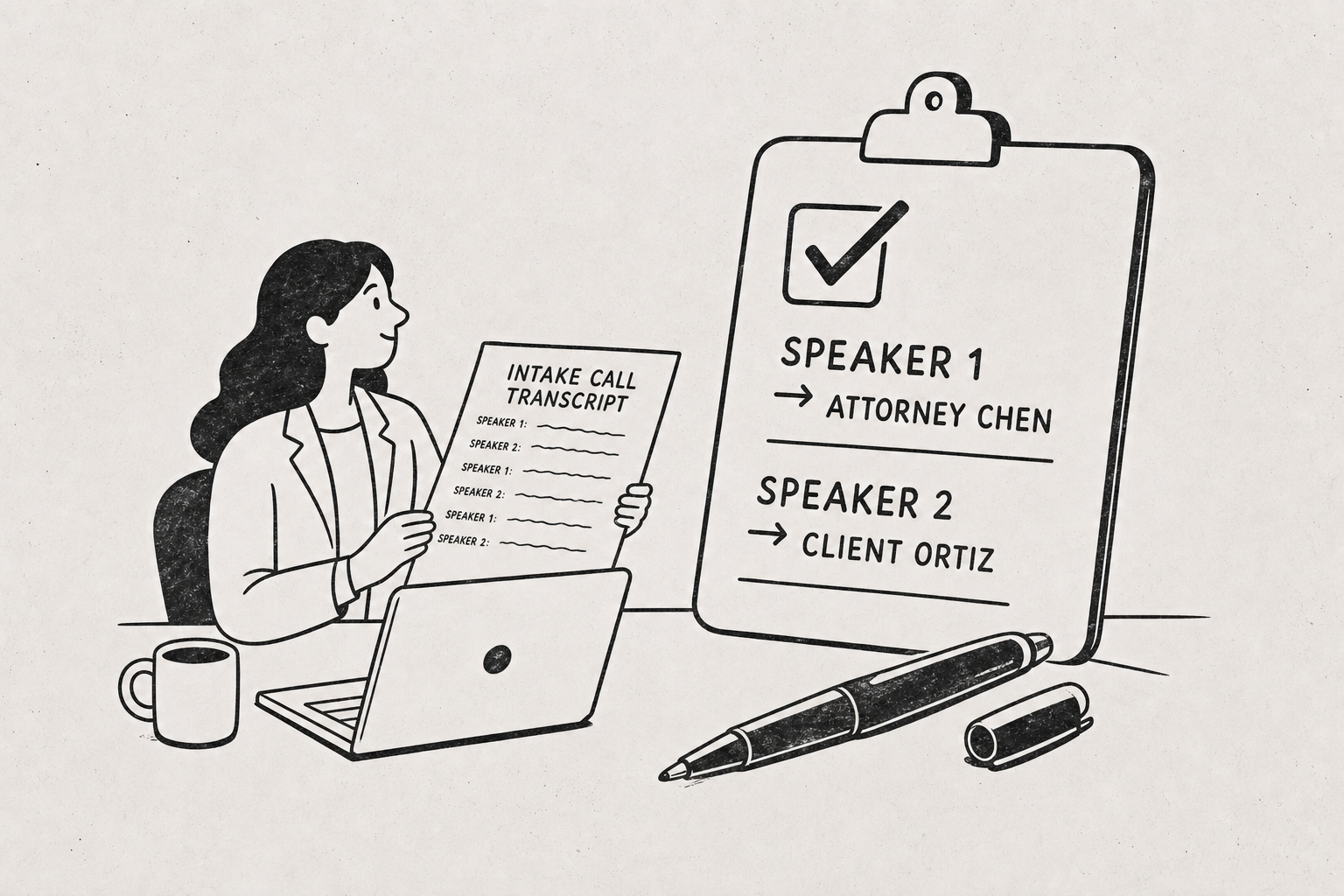
- Rename the speakers. Automatic speaker detection gives you Speaker 1 and Speaker 2; change them to the actual names before you do anything else. In Listently the rename applies everywhere, including the AI summary.
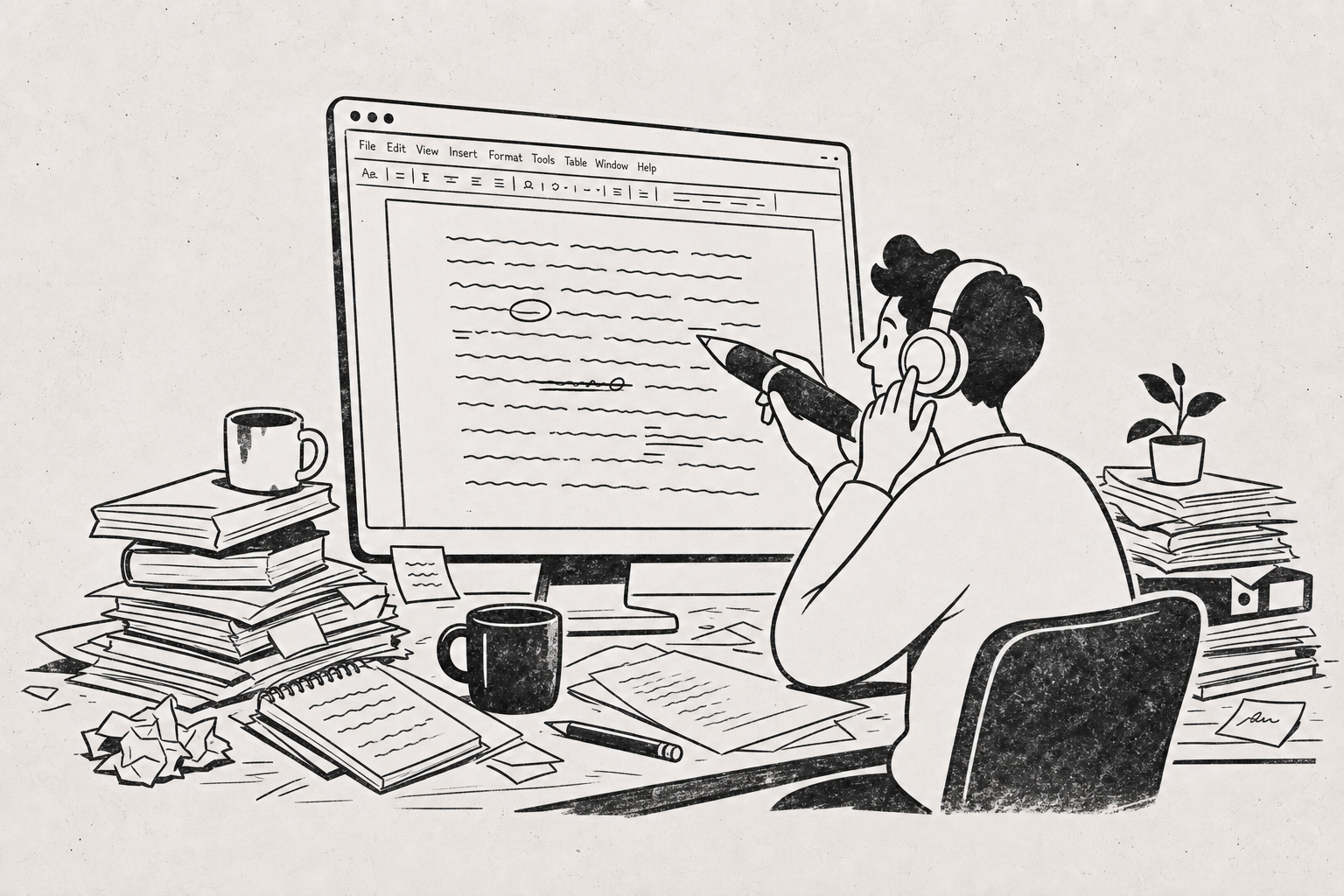
- Review and correct. Scan for misspelled team names, internal acronyms, and product codenames. Fix the transcript text directly — it’s editable after transcription completes.
- Export to Word or PDF. Word if someone needs to redact or annotate; PDF if the file is going into a record as-is.
Expect steps 1 through 5 to take roughly 10–15 minutes of your time for a 45-minute interview, most of which is the review pass.
Rename “Speaker 1” to real names before anything else
This is the step HR teams skip and then regret. A transcript that reads “Speaker 1: I never felt supported by my lead” is ambiguous the moment someone else opens the file — was that the employee or the interviewer? If there was a second HR person or a department head in the room, it’s worse.
Renaming before you export means the exported Word or PDF carries the real names throughout. It also means the AI summary attributes points to people rather than numbers, so a line like “Dana described a pattern of missed one-on-ones” lands in the summary already attributed.
Rename speakers first, export second — once a PDF is in the employee file, nobody is going back to fix the labels. If multiple people were in the room, our guide to multi-speaker transcription accuracy covers how to keep the separation clean from the recording stage.
Load internal names and jargon into custom vocabulary once
Exit interviews are dense with proper nouns: manager names, team names, internal tool names, acronyms for programs only your company uses. A transcription model has no reason to know that “Pathfinder” is your performance review cycle or that your VP’s surname is spelled Nguyen-Ortiz.
Custom vocabulary fixes this permanently instead of per-interview. Save the terms once and future transcripts spell them correctly without editing. Listently supports 15 saved terms on the Free plan and 50 on Pro — for most HR teams, 50 covers the leadership roster plus the internal program names that come up repeatedly.
A reasonable starter list for an HR team:
- Names of every people manager in the org
- Internal HR program names (review cycles, bonus plans, leveling frameworks)
- Product and project codenames
- Office or site names
- Benefit provider names
Spend 20 minutes building the vocabulary list once and every exit interview after that needs less correction. The custom vocabulary setup guide walks through the mechanics.
Export to Word for editing, PDF for the final record
HR documentation usually needs two things: a working copy someone can redact or excerpt, and a fixed copy that goes into the file. Listently exports to Word, PDF, and SRT/VTT subtitle formats.
| Export format | Use it for |
|---|---|
| Word (.docx) | Redacting names, excerpting quotes for a summary memo, adding HR annotations |
| The archived record attached to the employee file | |
| SRT/VTT | Rarely needed in HR — relevant only if you’re captioning a recorded session |
A practical convention: export the Word version to your working folder, do any redaction there, then produce the PDF from the redacted Word file. That keeps the unedited transcript and the circulated version clearly separate.
Name files consistently — ExitInterview_LastName_YYYY-MM-DD — so the record is findable by someone who wasn’t in the room.
Use the AI summary for the themes, not as the record
An AI summary of an exit interview is genuinely useful for the thing HR actually needs quickly: the three or four themes worth escalating. Listently generates the summary from the actual transcript text and attributes points to specific speakers, and it’s instructed not to invent action items or conclusions that aren’t in the conversation.
What it should not be is the document you file. Summaries compress, and in an exit interview the compressed version loses exactly the specifics — dates, names, direct quotes — that make the record worth having. Keep both: the summary for the people manager debrief, the full transcript for the file.
If you’re relying on summaries across a lot of HR conversations, what teams get wrong about AI meeting summaries covers where attribution helps and where it doesn’t.
Searching across transcripts turns one-off interviews into patterns
The real analytical value of transcribing exit interviews shows up at volume. One person complaining about a manager is a data point. Five transcripts where the same team name appears alongside the same complaint is a pattern your leadership needs to see.
Listently’s library search matches transcript text content, not just file titles, so searching a manager’s name or a phrase like “on-call rotation” surfaces every interview where it came up. That’s a workable substitute for a formal coding process when you’re running a handful of exits a month.
For quarterly review cycles where you’ve got a stack of recordings at once, Pro accounts can batch upload up to 10 files rather than processing them one at a time.
Transcribe every exit interview, not just the contentious ones — patterns only appear if the dataset is complete.
Privacy expectations for employee recordings
Exit interview content is sensitive by default. Before adopting any tool, confirm what happens to the audio and the text.
With Listently, audio and transcripts are never used to train any AI model and are never shared with third parties, and uploaded audio is deleted immediately after processing. If vendor AI-training policy is something your legal team asks about, this breakdown of transcription and AI training covers what to check across tools.
Internally, decide access before the first interview: who can open the transcript, whether managers named in it see it, and how long you retain it. Set a retention period for exit interview transcripts the same way you would for any other personnel document.
Common questions
Do I need to transcribe the whole interview, or just the key parts? Transcribe the whole thing. Selective transcription introduces the same compression problem as typed notes, and you can’t know in advance which five minutes matter later. The full transcript costs you nothing extra to generate.
Should the departing employee get a copy of the transcript? That’s a policy decision, not a technical one — but telling them up front whether they will or won’t makes the consent conversation cleaner and tends to produce a more candid interview.
What if the employee speaks a language other than English? Listently supports transcription in over 100 languages, which matters for distributed teams running exits in local languages. See transcribing audio in another language for how that works in practice.
Can I remove the “ums” before filing the transcript? Yes — a one-click toggle hides filler words from the on-screen transcript and from exports without altering the underlying transcript, so you can file a cleaner document and still revert to the original. Just be deliberate about it if the transcript could ever be referenced in a dispute.
If you’re setting this up for an HR team, start with a single exit interview end to end — record, upload, rename, export — and see how the file reads a week later. See how Listently handles interview transcription.