September 30, 2026 · By The Listently Team
How to Transcribe Legal Client Calls for Case Files
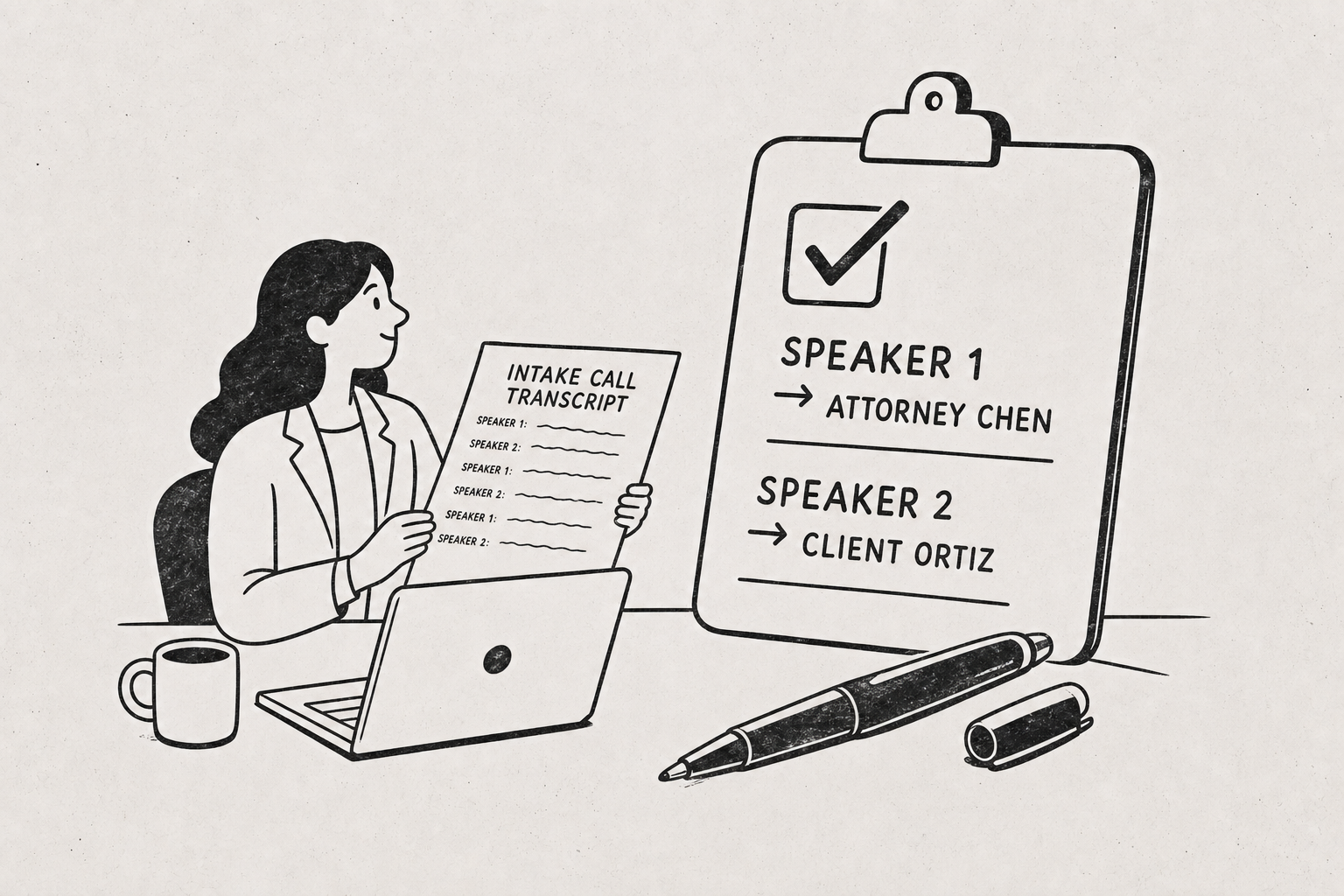
To transcribe legal client call recordings into something you can drop in a case file, the workflow is short: confirm you have consent to record, save the call as an audio or video file (MP3, WAV, M4A, MP4 and similar all work), upload it to an AI transcription tool, let it produce a speaker-labeled transcript, then correct names and legal terms before exporting to Word or PDF. A 40-minute intake call typically comes back in a few minutes. You rename the generic “Speaker 1” labels to the actual client and attorney names, scan for misheard proper nouns, and save the export alongside your notes. One thing to be explicit about: this produces a documentation aid, not a certified transcript. AI output is not a court-certified record and should not be filed as one, offered as a verbatim exhibit, or relied on for testimony. For anything going before a court or into the record, you still hire a certified court reporter or a certified transcription service. What AI transcription replaces is the two hours you’d otherwise spend typing up an intake call nobody will ever certify anyway.
The line between a file record and a certified transcript
A certified transcript is a legal instrument. It comes with a certification page signed by a qualified transcriptionist or court reporter attesting to accuracy, it follows formatting rules that vary by court, and it can be challenged. AI transcription produces none of that.
Use AI transcripts for internal documentation: intake calls, client status updates, case strategy discussions with co-counsel, witness pre-interviews, and your own dictated case notes. Do not use them for depositions, hearings, recorded statements intended as evidence, or anything a court or opposing counsel will treat as an authoritative record.
The practical test: if the transcript’s accuracy could ever be the subject of a dispute, it needs certification. If the transcript exists so that you or a colleague can remember what was said six months from now, AI output is fine — and it’s dramatically faster than typing.
Get consent first — recording rules vary by jurisdiction
Consent law for recording calls differs by state and country. Some jurisdictions require only one party to consent; others require every party on the line. Cross-border calls complicate it further, and professional conduct rules for attorneys sometimes impose obligations beyond the wiretapping statute.
Confirm the rule that applies to your jurisdiction and the other party’s before you record anything, and state on the recording that the client has consented. That verbal confirmation at the top of the file is worth more than a note in your calendar later.
Privilege is the second consideration. A recorded attorney-client call and its transcript are work product you’re responsible for protecting, which means the tool you upload to matters. Listently deletes uploaded audio immediately after processing, and neither audio nor transcripts are used to train any AI model or shared with third parties — we wrote up what that actually means across transcription tools, because the default at some services is the opposite.
The seven-step workflow, start to finish
- Get consent and record. Phone recorder app, Zoom, a conference bridge, or a desk recorder — the file format matters less than the audio quality. MP3, WAV, M4A, FLAC, OGG, MP4, MOV and MKV are all accepted.
- Name the file with the matter number.
2891-Ortiz-intake-0930.mp3saves you guesswork three weeks later. - Load your custom vocabulary before uploading. Party names, opposing counsel, the judge, statute shorthand, and any recurring jargon.
- Upload the recording. For a batch of calls from the same week, Pro accounts can upload up to 10 files at once rather than one at a time. If the recording already lives in Google Drive, you can paste the share link and skip the download-reupload round trip.
- Rename the speakers. Change “Speaker 1” to the attorney’s name and “Speaker 2” to the client. The rename propagates everywhere, including the AI summary.
- Proofread the high-stakes passages. Dates, dollar amounts, names, addresses, and any quoted admission. You don’t need to read every line — you need to verify the lines that matter.
- Export to Word or PDF and file it. Word if someone will annotate it; PDF if it’s going into the file as-is.
Speaker labels are the difference between a usable record and a wall of text
A client call transcript without speaker attribution is close to useless for legal documentation. You need to know who said the damaging thing, who made the commitment, and who asked the question that prompted the answer.
Listently detects speakers automatically and lets you rename each one to the real person, and the rename carries through to the AI summary so the summary reads “Ms. Ortiz stated she did not sign the second addendum” instead of “Speaker 2 stated.”
Do the renaming immediately after transcription, before you export — otherwise you’re editing speaker labels in Word, one at a time. On calls with three or more participants, seat people so they don’t talk over each other; overlapping speech is the single biggest cause of mislabeled turns.
Custom vocabulary handles case names, parties, and legal jargon
Generic speech models mangle legal language. “Voir dire,” “in limine,” “res ipsa loquitur,” “subrogation,” “guardian ad litem,” and virtually every unusual surname come back wrong the first time.
The fix is to pre-load the terms. Custom vocabulary saves names, jargon, and acronyms so future transcripts spell them correctly without manual correction — 15 terms on Free, 50 on Pro. For a solo practice, 50 terms covers your standing list of judges, opposing firms, recurring medical or technical terms, and the parties in your active matters. There’s a setup walkthrough here.
Build the vocabulary list per matter at intake, not after you’ve hand-corrected the same name forty times. It takes two minutes and it removes the most common source of proofreading drag.
Transcript search beats scrubbing through audio files
Six months into a matter you’ll want the exact sentence where the client described the timeline. Scrubbing a 50-minute recording to find it is a waste of a billable hour.
Listently’s library search matches transcript text, not just filenames — searching a phrase surfaces the transcript containing it. That turns a folder of client calls into something closer to a searchable case record.
Pro accounts can also highlight passages in five colors and attach private comments, which works well for flagging the three or four moments in an intake call that actually drive strategy.
Free vs Pro for a solo practice
| Free | Pro | |
|---|---|---|
| Transcriptions | 3 per day | Unlimited |
| File length | Up to 30 minutes | No limit |
| Upload size | 2 GB | 5 GB |
| Custom vocabulary terms | 15 | 50 |
| Batch upload | One file at a time | Up to 10 at once |
| Google Drive import | — | Yes |
| Highlight & comment | — | Yes |
| Hide filler words | — | Yes |
| Exports | Word, PDF, SRT/VTT | Word, PDF, SRT/VTT |
The 30-minute cap on Free is the constraint most legal users hit first — intake calls and case-strategy discussions routinely run 45 to 90 minutes. Pro is $8.99/mo billed annually or $13.99/mo billed monthly. There’s a longer breakdown of where the free plan stops being enough.
One small feature that matters more than it sounds: the filler-word toggle hides “um” and “uh” from the on-screen transcript and from exports without altering the underlying transcript. A client call transcript with every verbal tic intact is hard to read in a file; you can hide them for the export and switch them back on if you ever need the unedited version.
Getting accuracy high enough that proofreading is quick
The proofreading burden is set before you hit record. Clean audio produces a transcript you skim in five minutes; a speakerphone in a room with an HVAC vent produces one you rewrite.
- Record each speaker close to a microphone rather than through a single room mic.
- Use the platform’s native recording (Zoom, Teams) rather than pointing a phone at a laptop speaker.
- Ask the client to move away from background noise at the start of the call.
- Interrupt less — overlapping speech degrades both accuracy and speaker labeling.
We covered the underlying variables in what actually determines transcription accuracy and a set of pre-recording fixes.
If you want to test the workflow on a real intake call before committing, start free at Listently — three transcriptions a day is enough to see whether the export quality clears your bar for file documentation.
Common questions
Can I file an AI transcript with the court? No. AI transcription is not certified and carries no attestation of accuracy. Use a certified court reporter or certified transcription service for anything entering the record.
Is uploading a privileged client call to a transcription service a problem? It depends on the service’s data handling and your own duty of confidentiality. Check whether audio is retained, whether it’s used for model training, and whether it’s shared with third parties. Listently deletes uploaded audio immediately after processing and does not use audio or transcripts for model training or share them with third parties.
What about calls in languages other than English? Listently supports over 100 languages for transcription. For bilingual client calls, this walkthrough covers the setup.
How long does a one-hour call take to transcribe? Minutes, not hours. The bulk of your time goes to renaming speakers and spot-checking names, dates, and figures — which is why loading custom vocabulary ahead of time pays off.